Day 01
VideoPin itDay 1, 17:00 Paris · 11:00 New York
Riprr
Riprr is live on Elysium. Recurring buys for HYPE and any token on the Hyperliquid L2. Pick a token, an amount and a schedule. Every order lands in your wallet. riprr.io
X kit
Every post for the account, in order, each with its image or video. Set the start date once; the page shows the post to publish now. Copy, attach, post, tick it off.
Set up once
Riprr token
Not live: never post a token address, a price or a launch date. 1 post mentions the 0.15% holder fee; re-read it the day the token is live.
Post now
Set the start date to see what to post each day.
Day 01
Riprr
Riprr is live on Elysium. Recurring buys for HYPE and any token on the Hyperliquid L2. Pick a token, an amount and a schedule. Every order lands in your wallet. riprr.io
Profile
Paste each field in X settings, upload the avatar and the header. This is how the profile will read.

Riprr
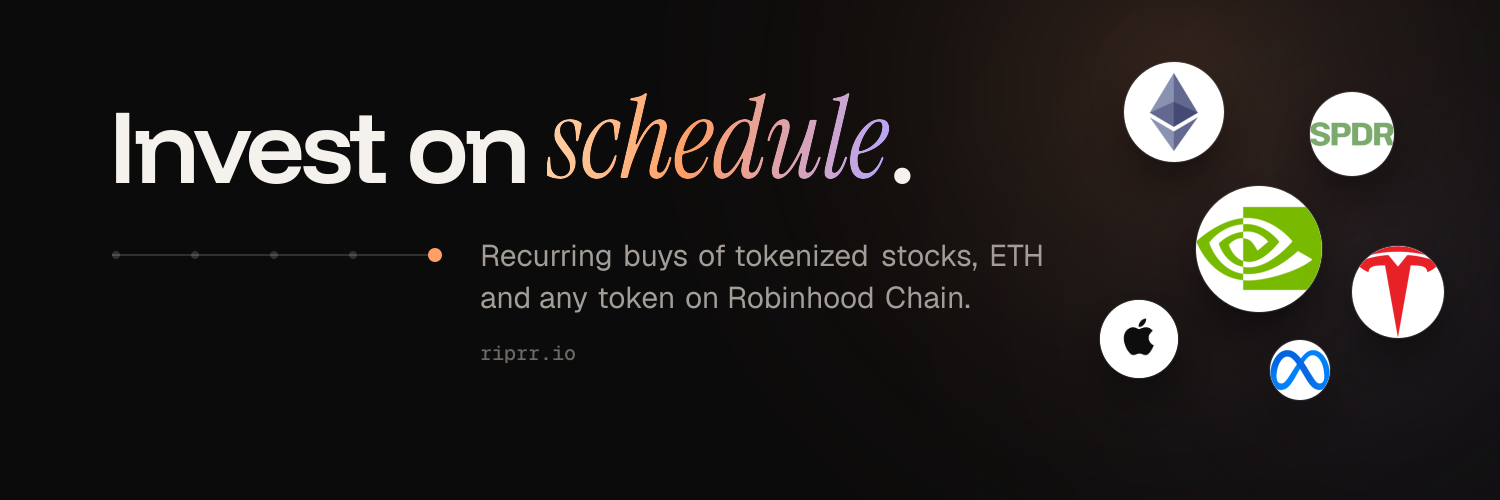
Recurring buys of HYPE and any token on Elysium, the Hyperliquid L2. Set a schedule once. Every order lands in your wallet. 0.30% per order.
Elysiumriprr.io
Name
Riprr
Bio140/160
Recurring buys of HYPE and any token on Elysium, the Hyperliquid L2. Set a schedule once. Every order lands in your wallet. 0.30% per order.
Location
Elysium
Website
https://riprr.io
Day 1
Post the first post and pin it, then the 8-part thread as replies, in order. Riprr is live: the posts say so. Nothing mentions a token address or a price.
Pinned post
Day 01 · pinned
Riprr
Riprr is live on Elysium. Recurring buys for HYPE and any token on the Hyperliquid L2. Pick a token, an amount and a schedule. Every order lands in your wallet. riprr.io
Then the thread · each one replies to the one before
Day 01 · thread 1/8
Riprr
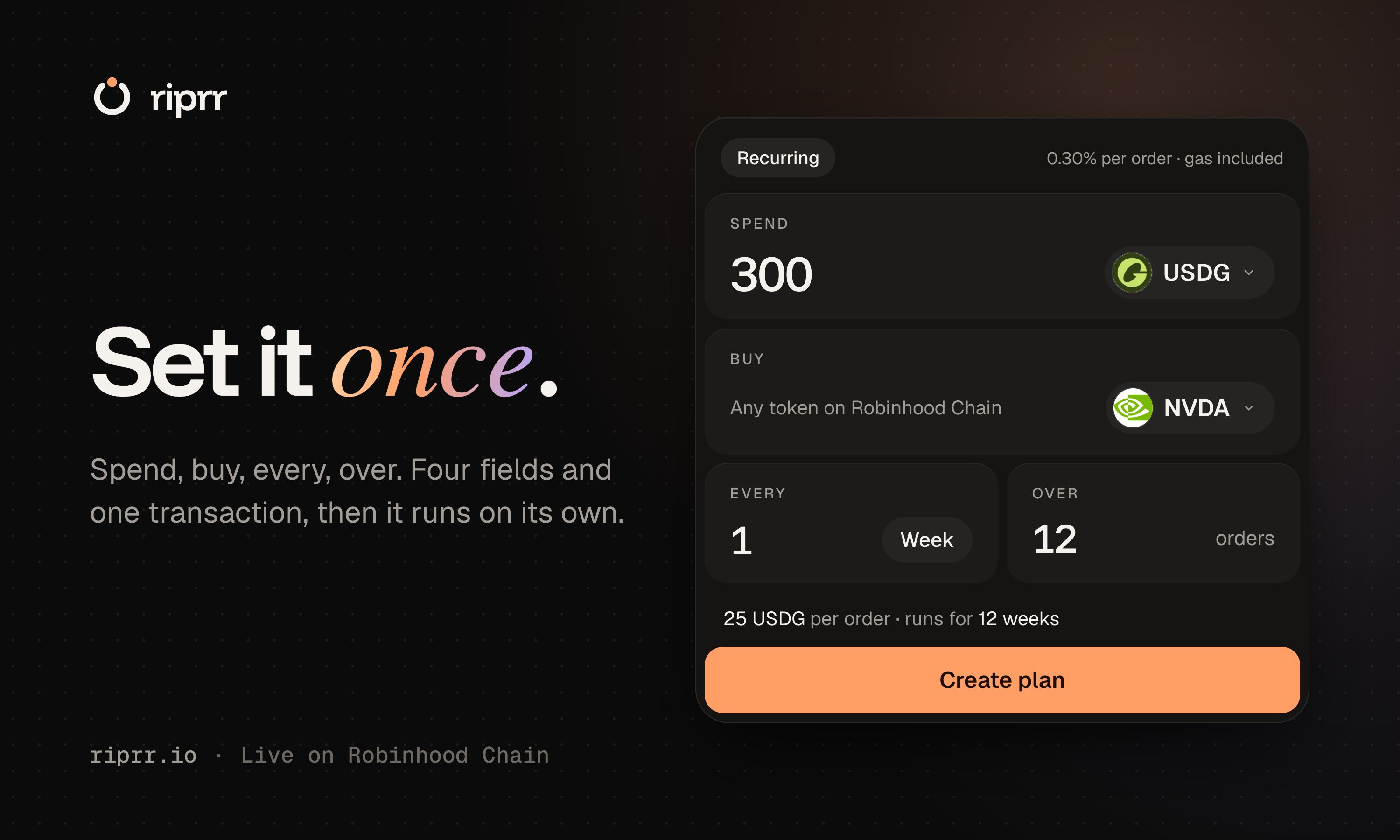
1/8 A plan is four fields: Spend: the total, in USDC or HYPE Buy: the token you want Every: how often Over: how many orders One transaction to fund it. Then it runs on its own.
Day 01 · thread 2/8
Riprr
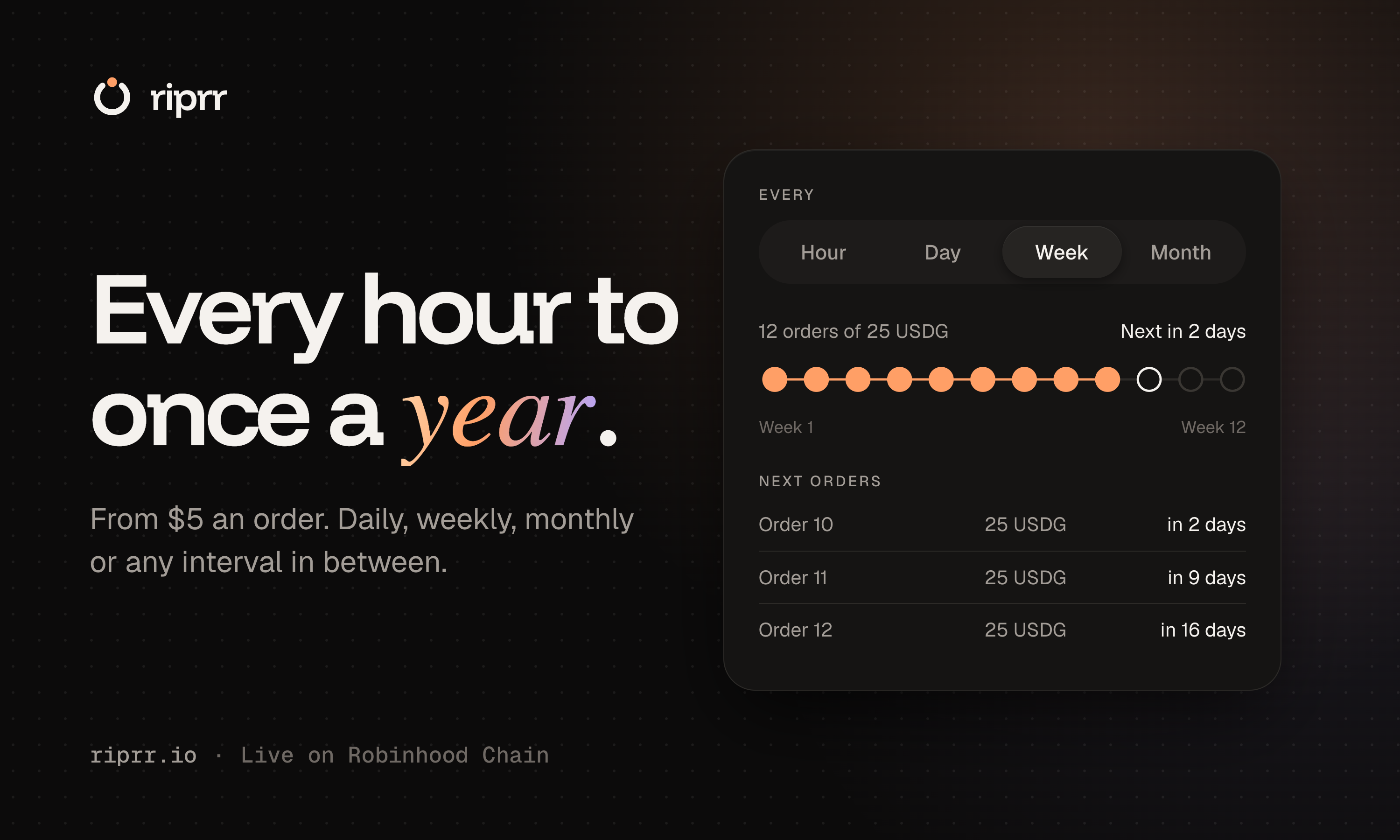
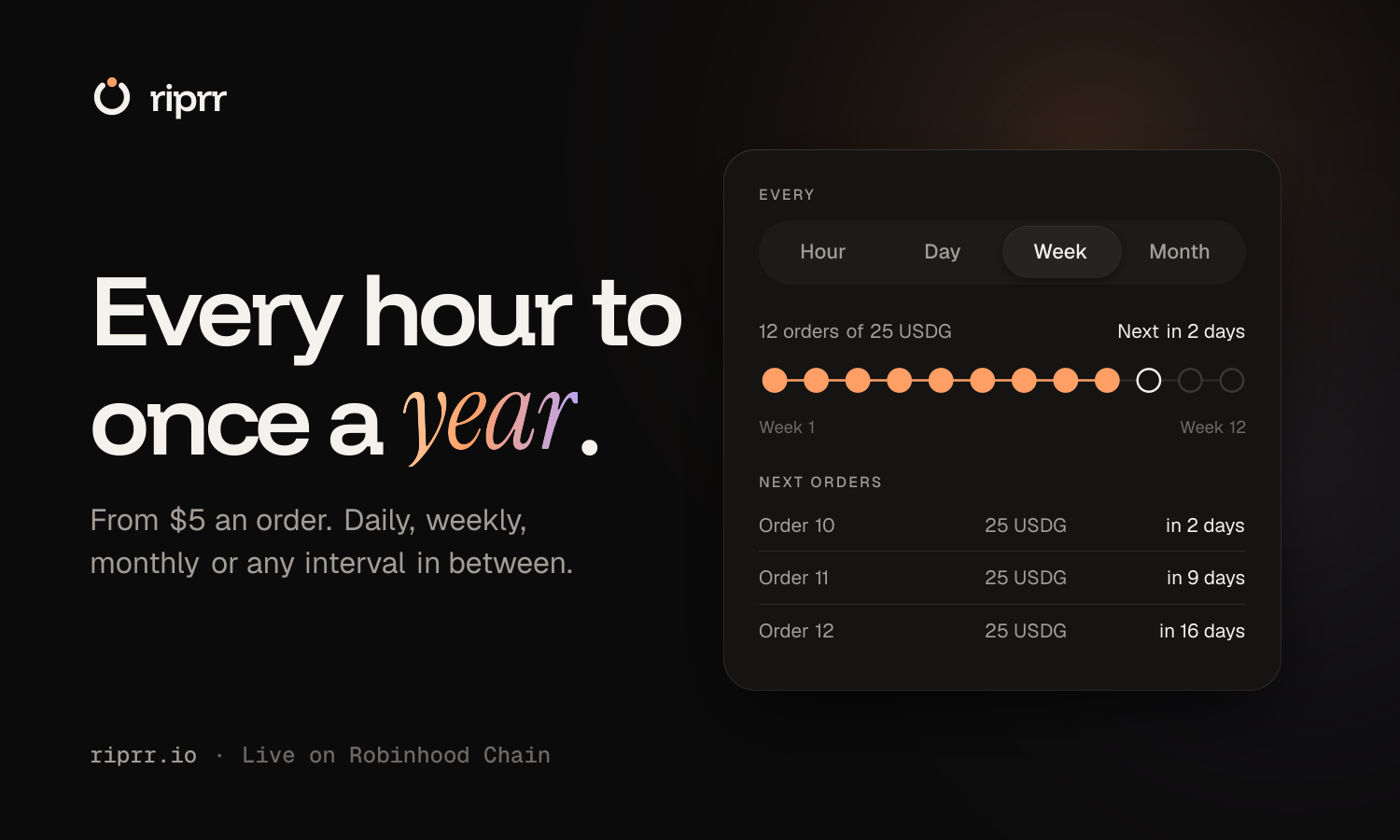
2/8 Orders can run every hour, once a year, or anything in between. Daily, weekly and monthly are one click. The minimum order is 5 USDC or 0.1 HYPE.
Day 01 · thread 3/8
Riprr
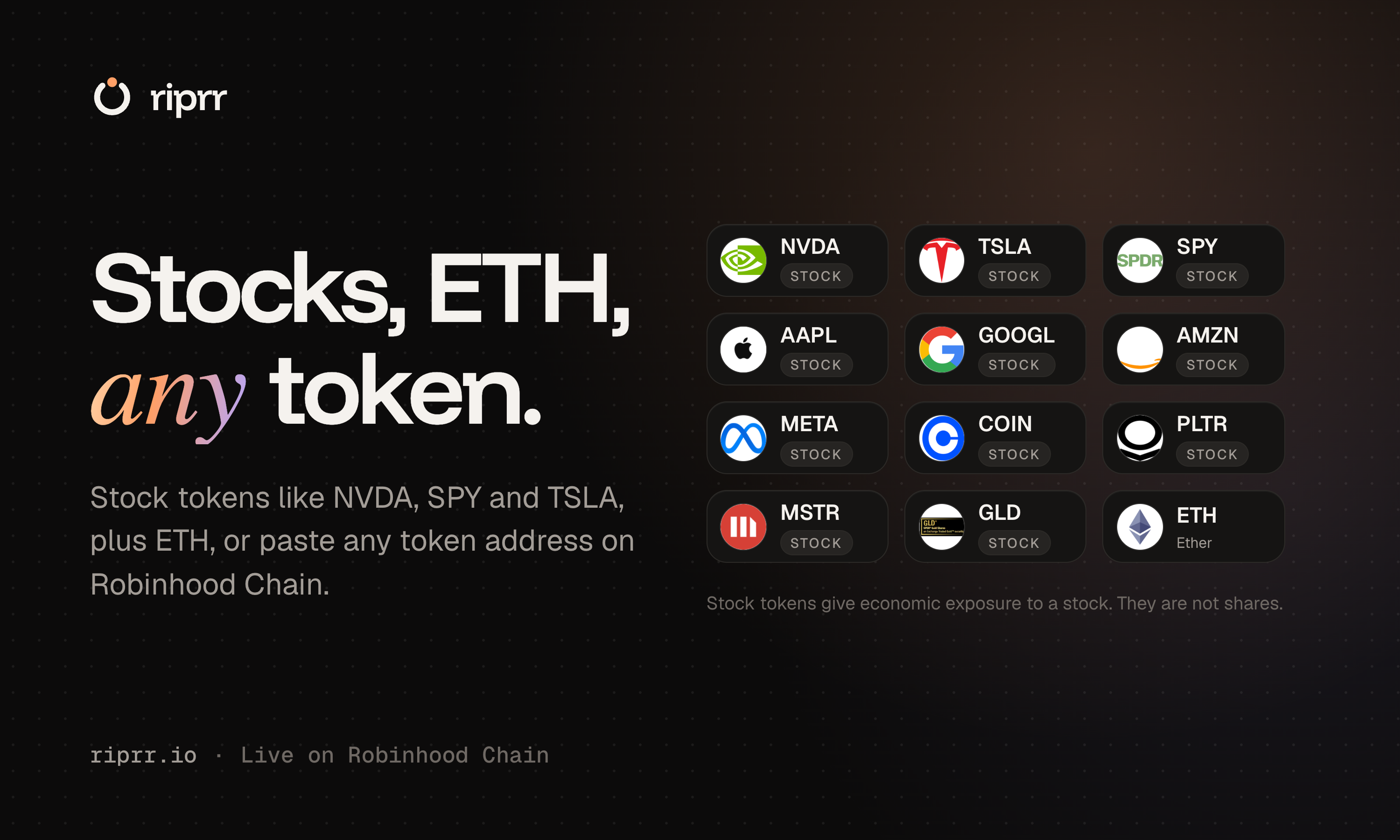
3/8 Buy HYPE, KNTQ, or paste the address of any token with liquidity on Elysium. Each order is routed across Elysium DEXs for the best price. Check a token's address before you buy it: look-alikes exist.
Day 01 · thread 4/8
Riprr
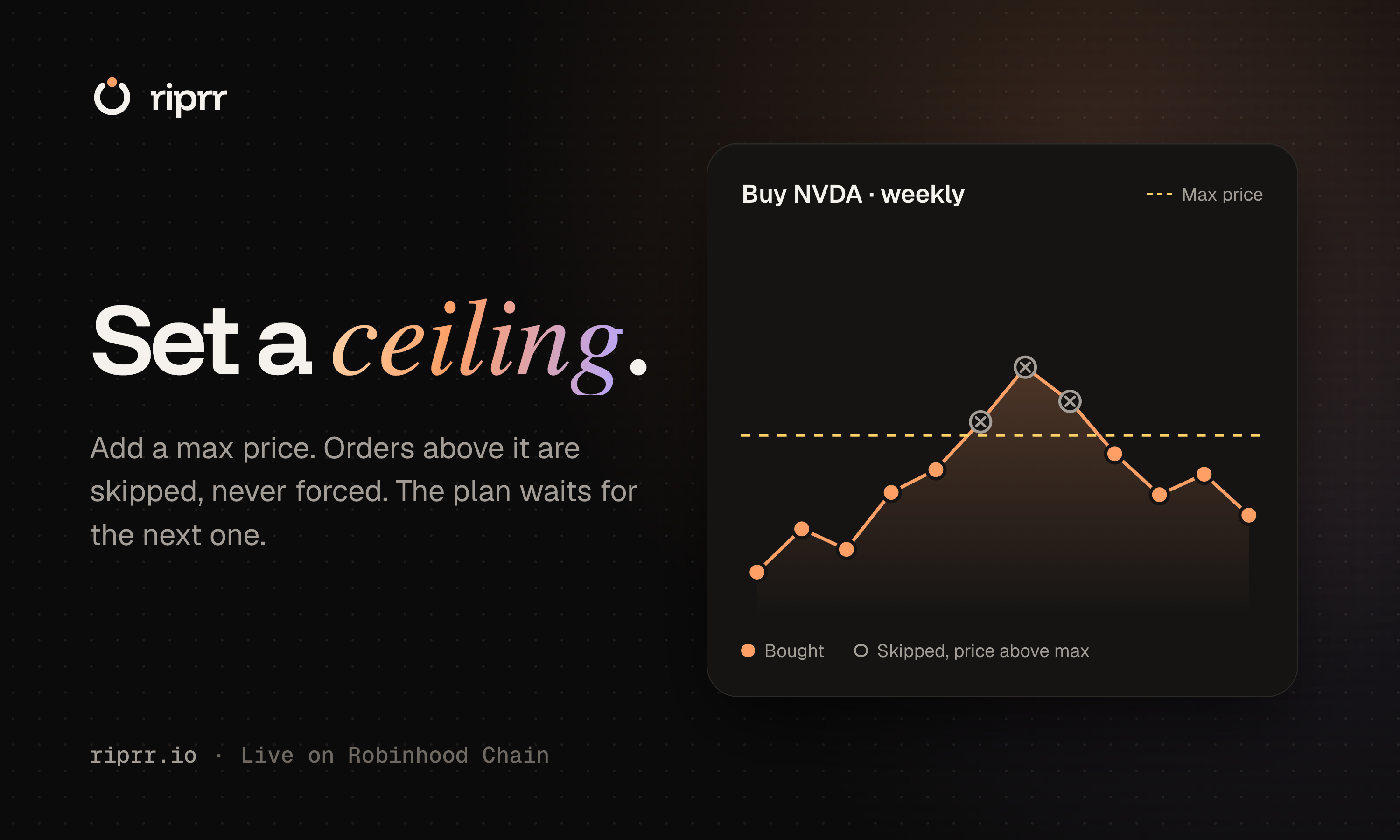
4/8 Want a limit? Add a max price. When the price is above it, that order is skipped, not forced. The plan waits for the next one.
Day 01 · thread 5/8
Riprr
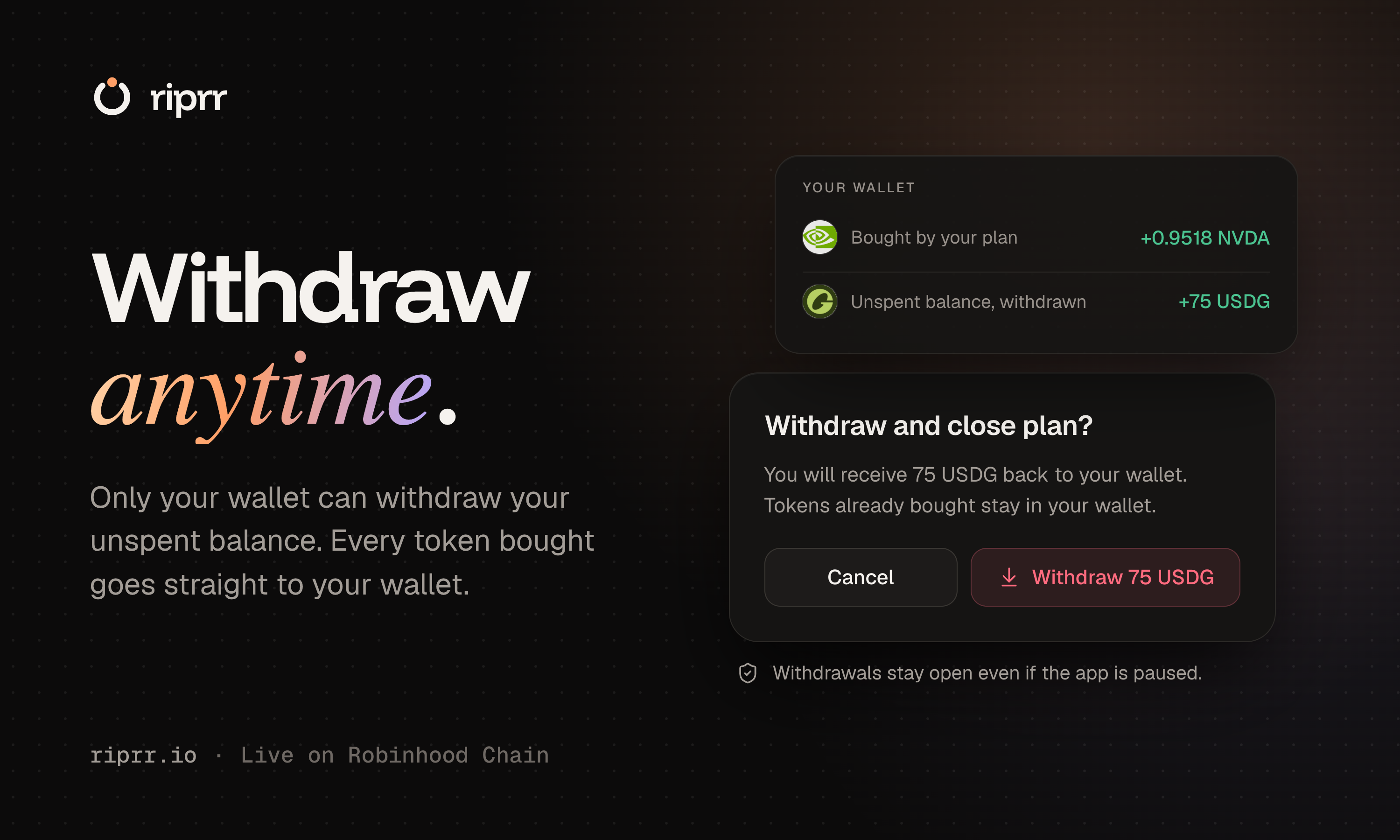
5/8 Your money stays yours. Unspent funds sit in your plan and only your wallet can withdraw them. Every token bought goes straight to your wallet. Withdrawals stay open even if the app is paused.
Day 01 · thread 6/8
Riprr
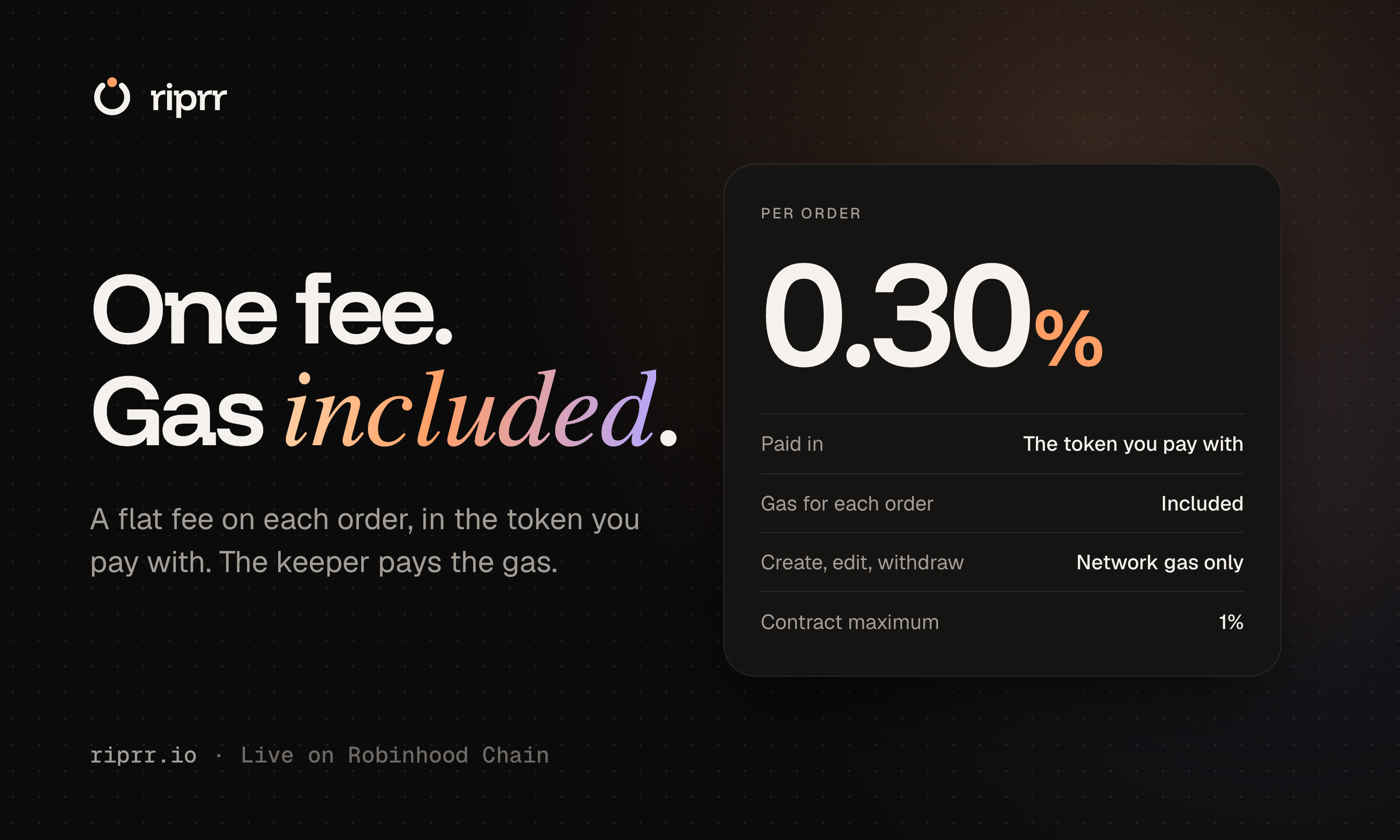
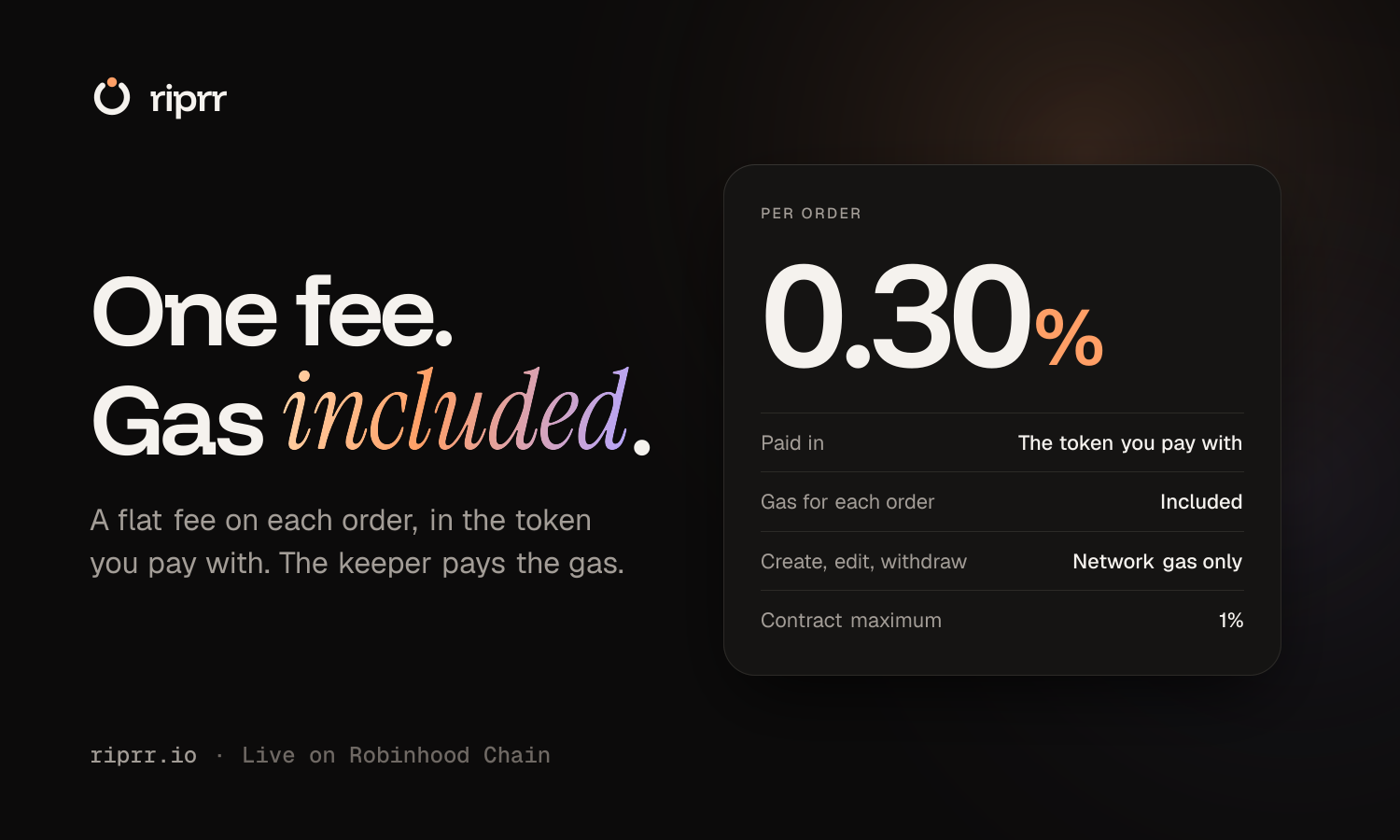
6/8 One fee: 0.30% per order, taken in the token you pay with. Gas for each order is included. The contract caps the fee at 1%. Swaps also pay their pool fees, like any trade.
Day 01 · thread 7/8
Riprr
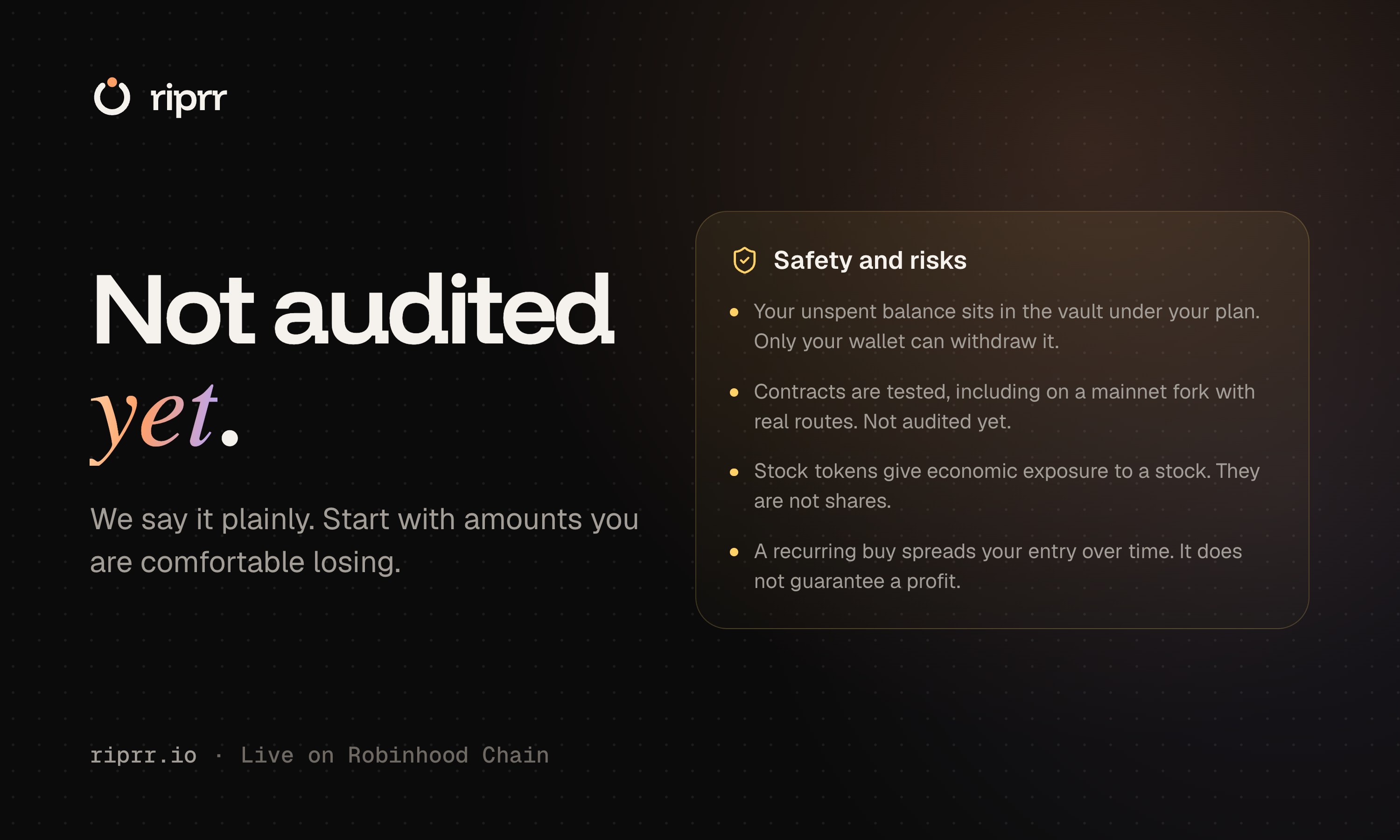
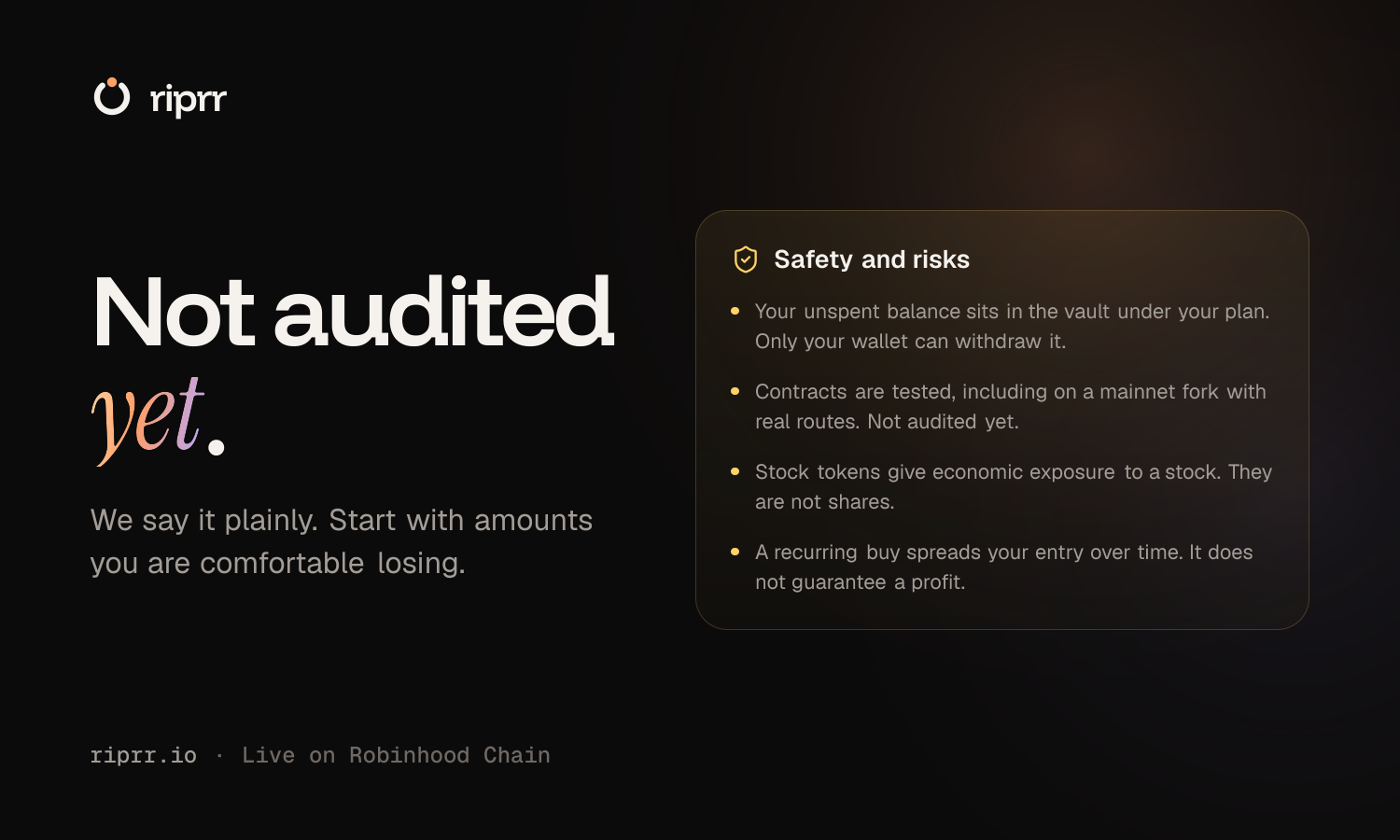
7/8 To be clear: the contracts are tested, including on a mainnet fork with real routes, but they are not audited yet. Start with amounts you are comfortable losing.
Day 01 · thread 8/8
Riprr
8/8 That's Riprr. Invest on schedule. Set up your first plan at riprr.io
Daily posts
One a day at 17:00 Paris · 11:00 New York: an image one day, a video the next.
Day 02 · Intro
Riprr
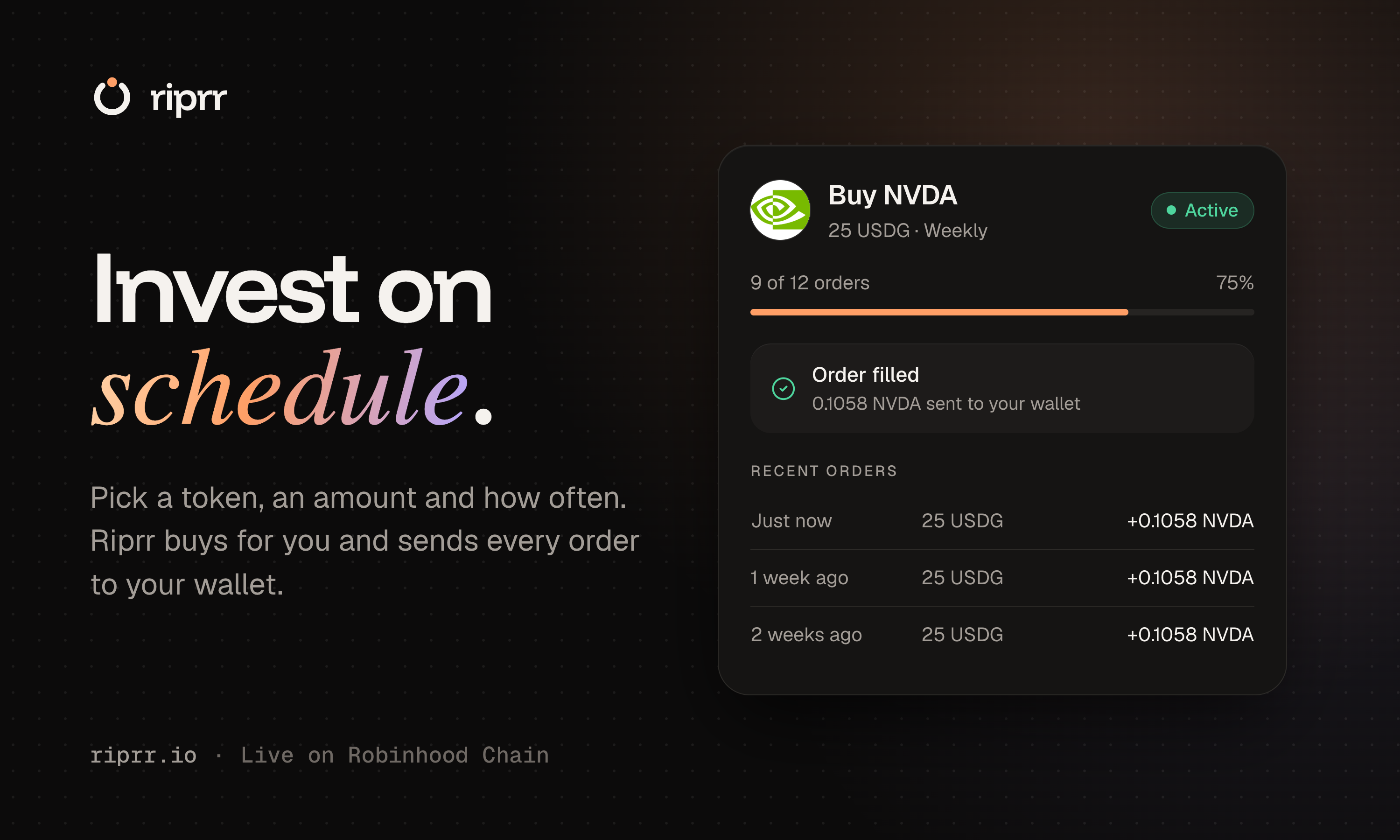
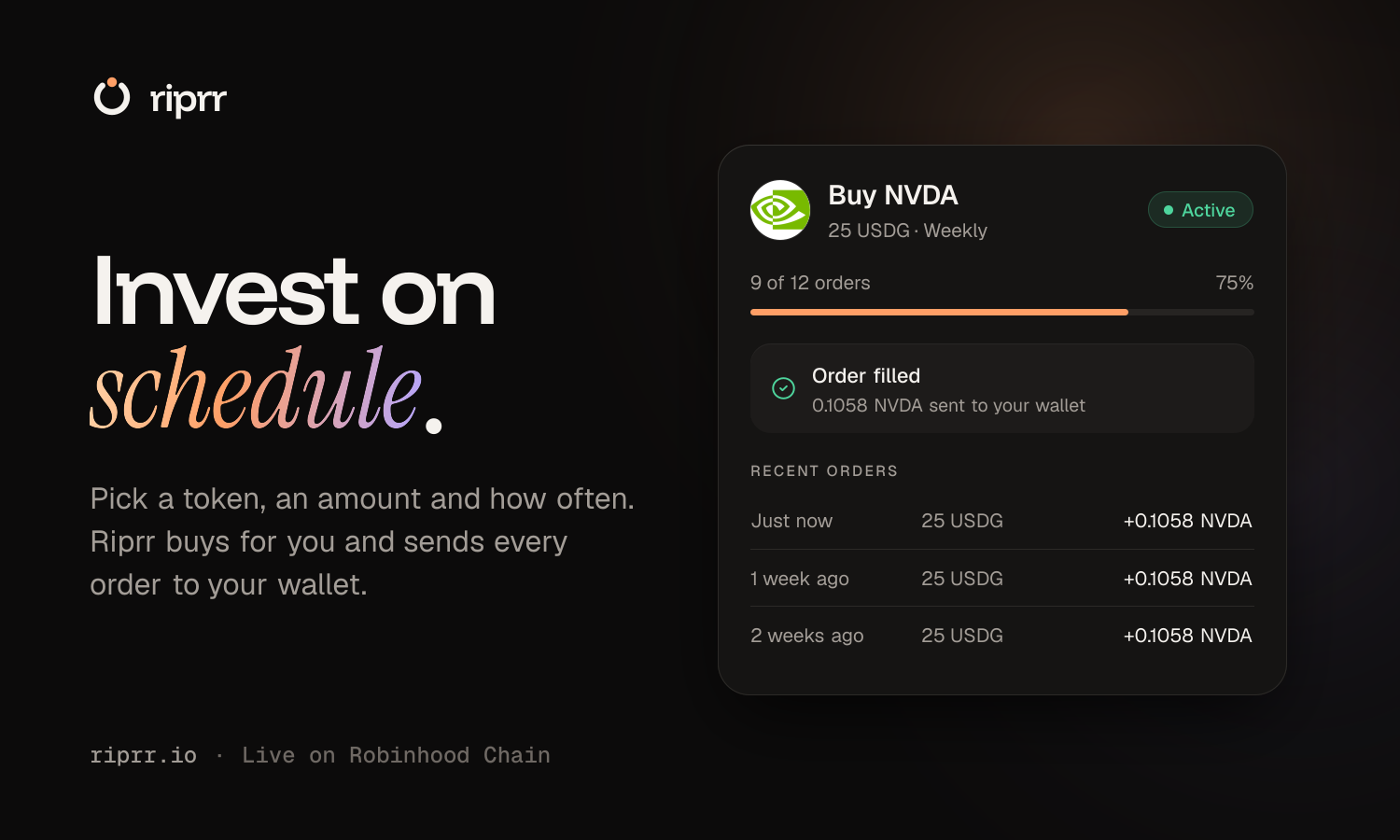
Buying the same asset every week is a good habit. Doing it by hand is the hard part. Riprr automates it on Elysium: pick a token, an amount and a schedule. Every order goes to your wallet. riprr.io
Day 03 · How it works
Riprr
How to set up a recurring buy on Riprr: Pick a token, set what you spend, how often and over how many orders. Approve, confirm in your wallet. The first order runs right away. You need HYPE for gas on Elysium. Bridge from HyperEVM first. riprr.io
Day 04 · Safety
Riprr
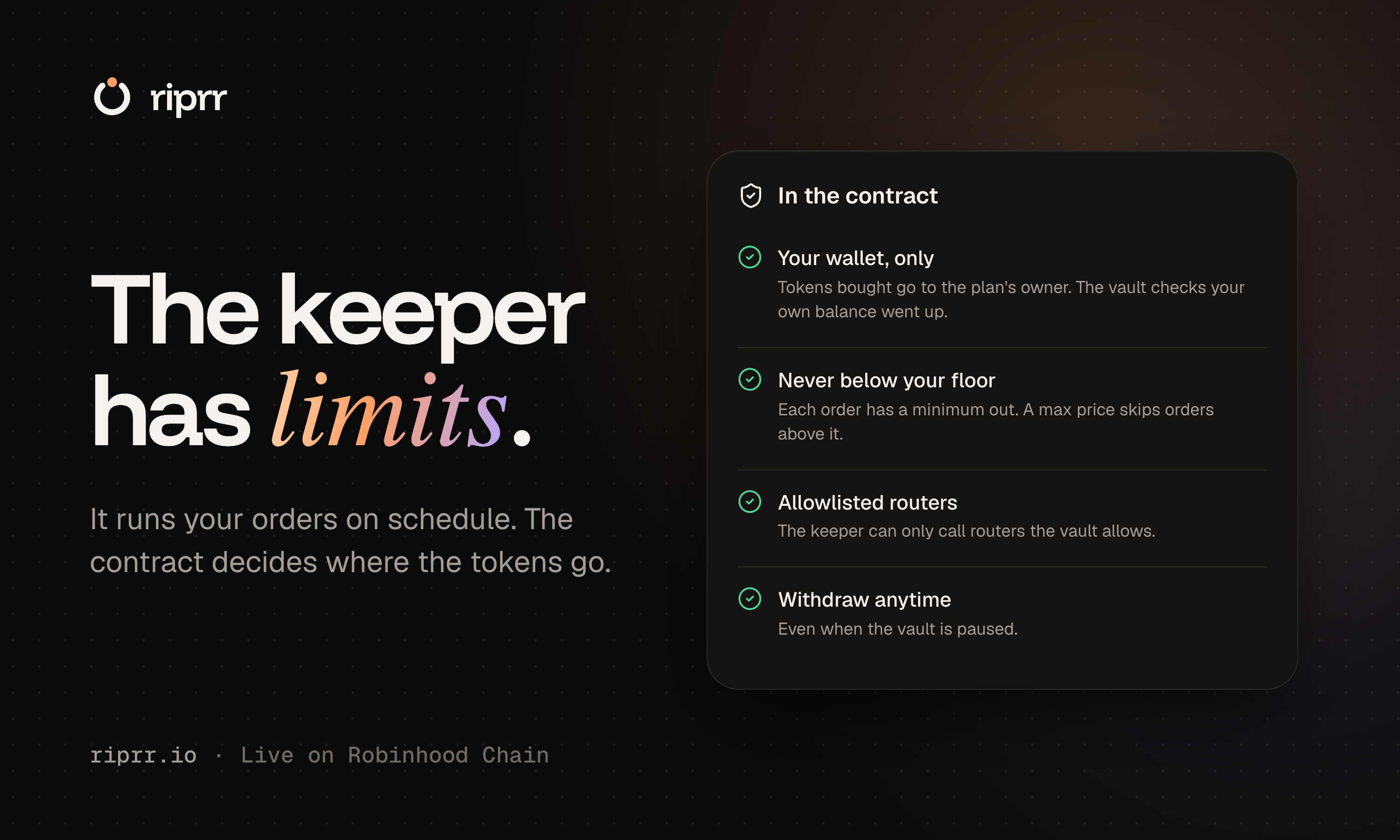
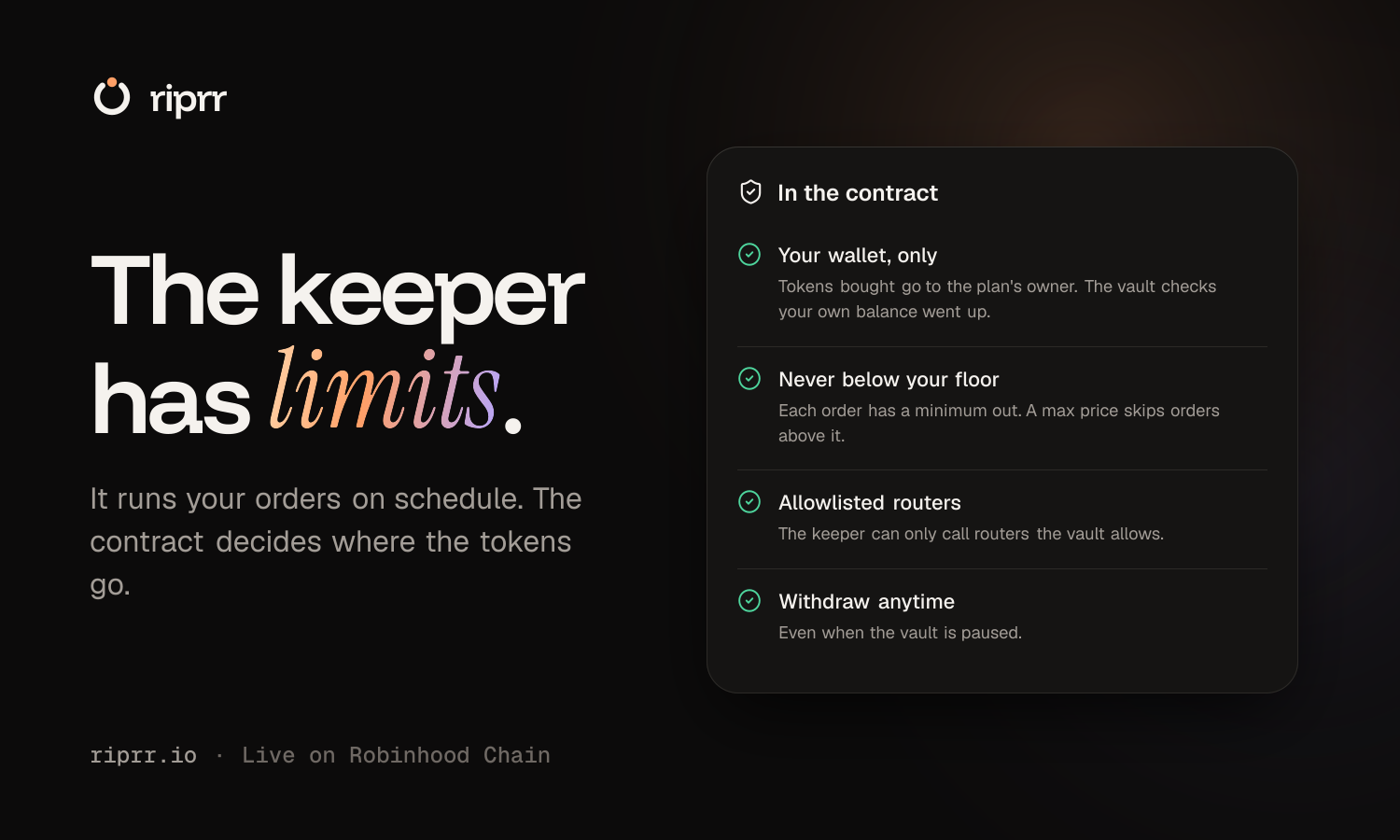
The keeper runs your orders. The contract sets its limits: Tokens bought go to your wallet only Never below your price floor Only allowlisted routers Withdrawals open even when paused The contracts are not audited yet.
Day 05 · How it works
Riprr
A recurring buy with a ceiling. Set a max price on any Riprr plan. Orders above it are skipped, and the plan waits for the next one. riprr.io
Day 06 · How it works
Riprr
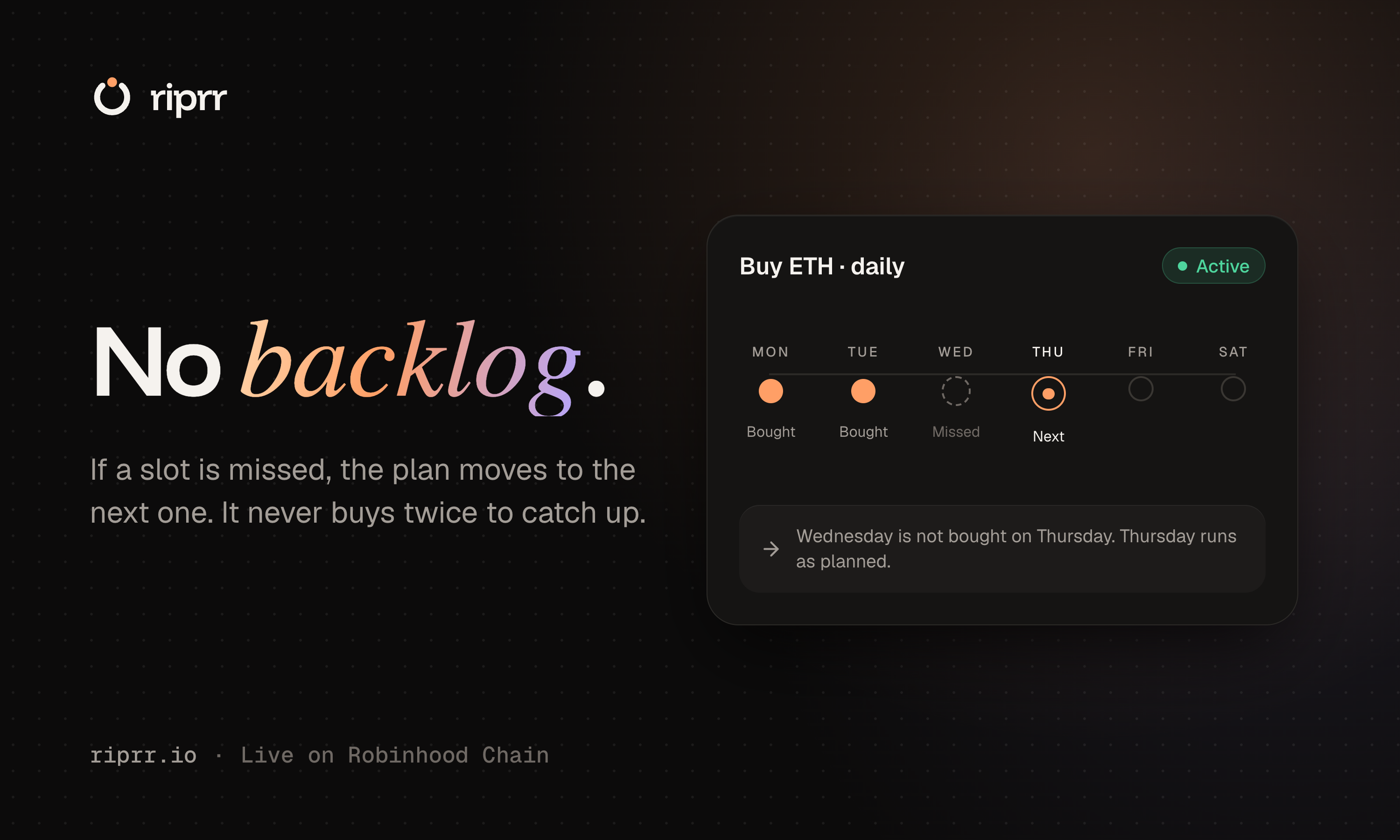
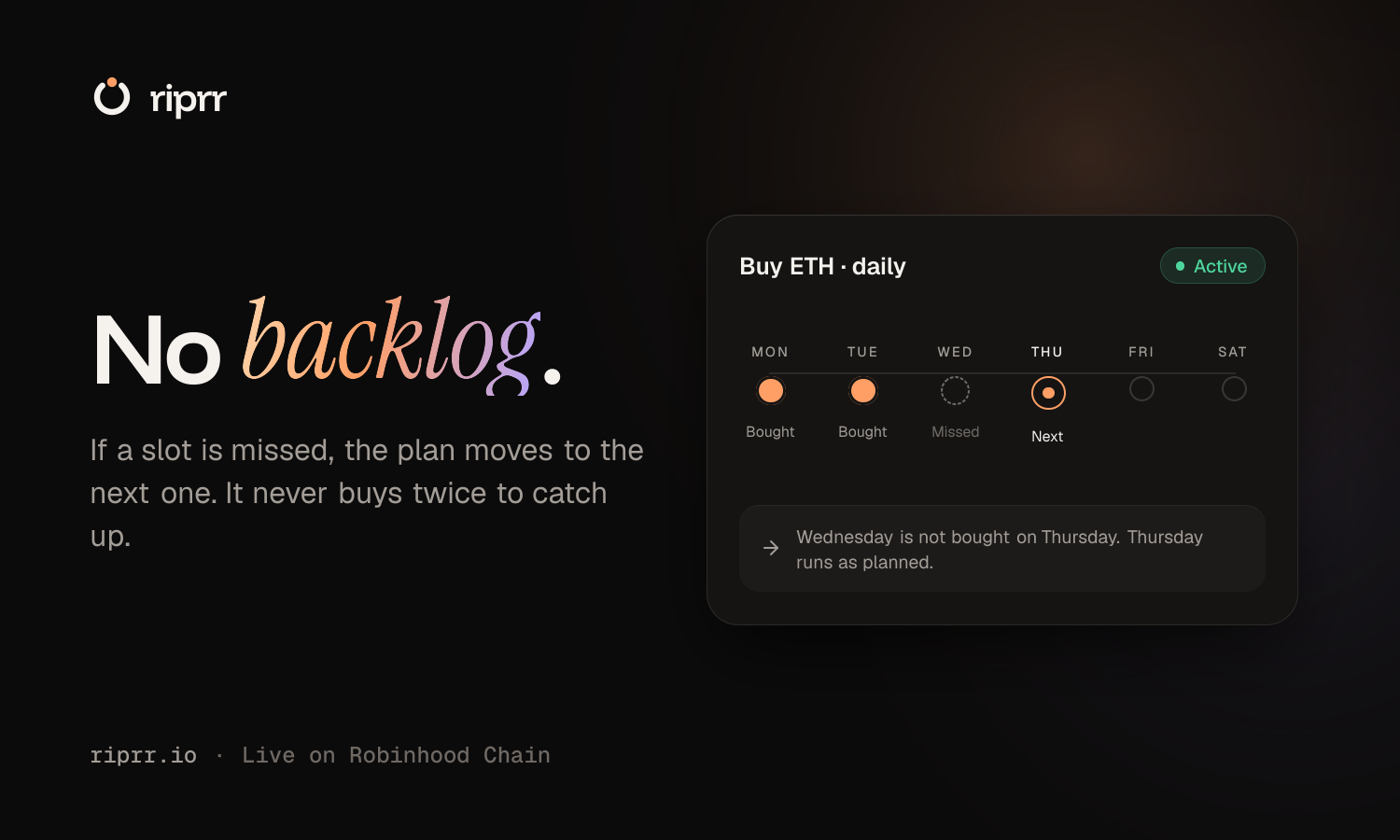
Asked often: what if an order slot is missed? The plan moves to the next slot. It never buys twice to catch up, so a pause or an outage can't stack orders on top of each other.
Day 07 · Tokens
Riprr
HYPE every day. KNTQ every week. The token you found yesterday, every month. Riprr runs recurring buys for any token on Elysium, from 5 USDC an order. riprr.io
Day 08 · Fees
Riprr
What a recurring buy costs on Riprr: 0.30% per order Gas for each order: included Create, edit, withdraw: network gas only Contract maximum: 1% Swaps also pay their pool fees, like any trade. riprr.io
Day 09 · Safety
Riprr
Self-custody, plainly: Only your wallet can withdraw your unspent balance. Every token bought goes straight to your wallet. Riprr is not audited yet. Start with amounts you are comfortable losing. riprr.io
Day 10 · How it works
Riprr
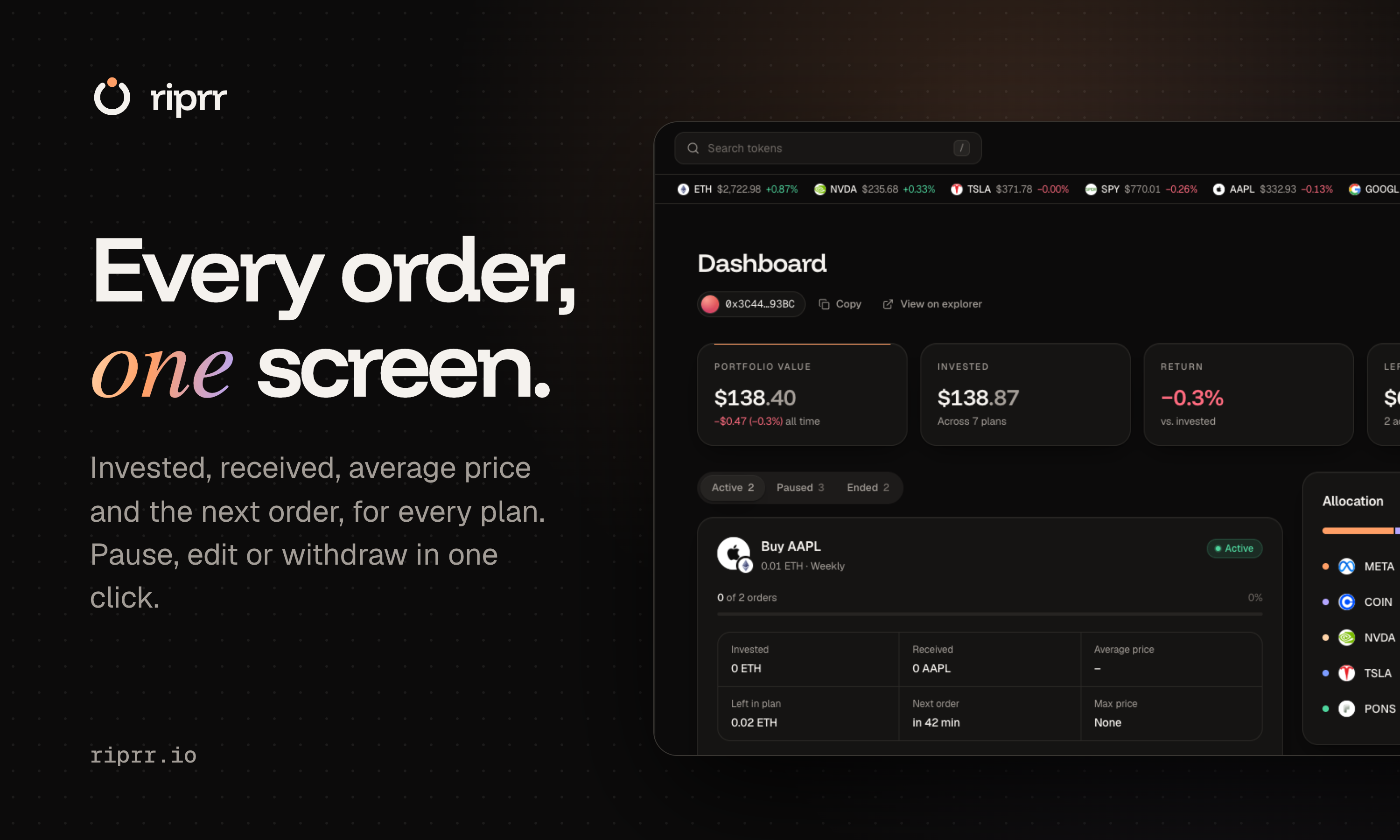
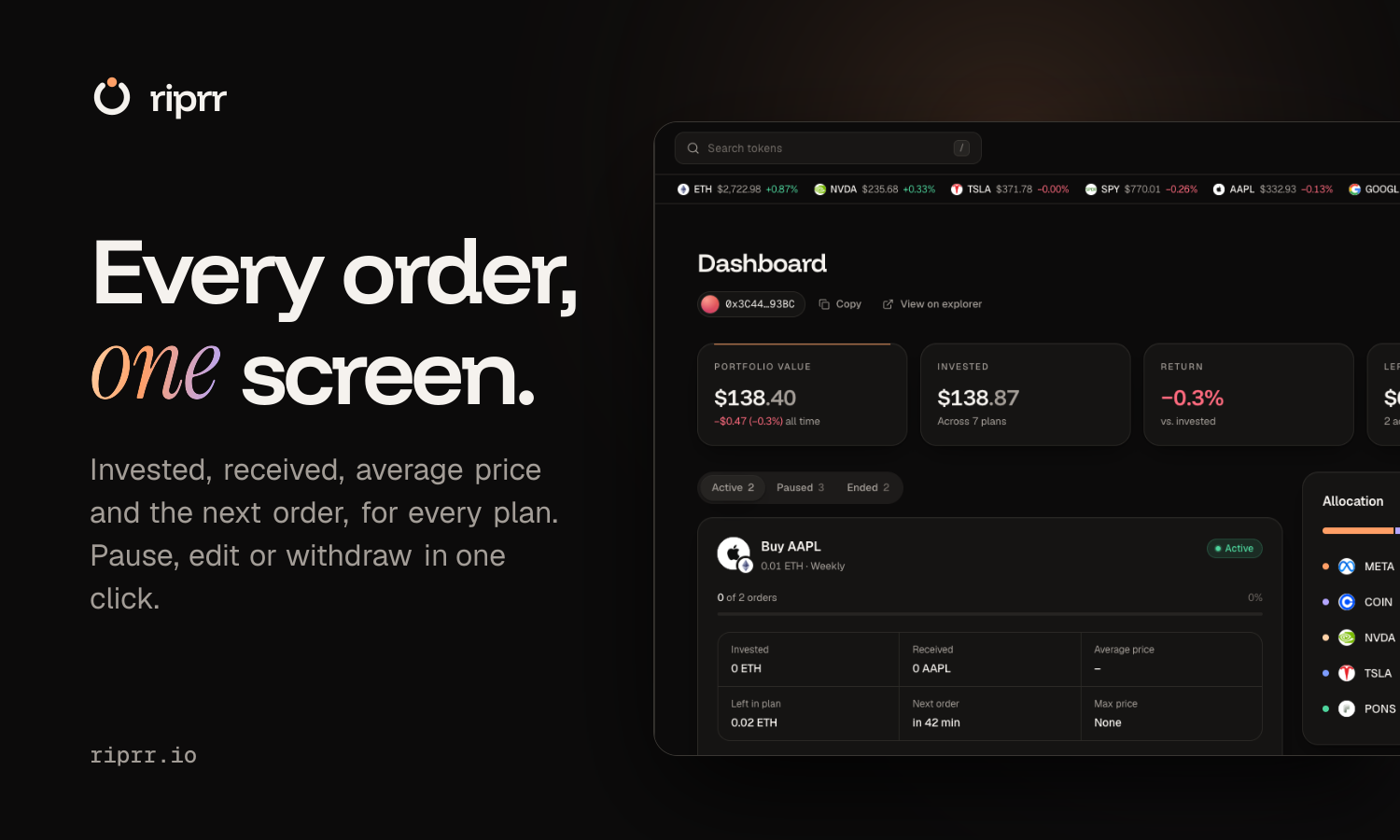
Every plan in one place: invested, received, average price and the next order. Pause, edit, add funds or withdraw in one click. Every order has its price and a transaction link. riprr.io
Day 11 · How it works
Riprr
Set it once. Spend, buy, every, over. Four fields and one transaction, then Riprr buys on schedule and sends every order to your wallet. riprr.io
Day 12 · Riprr token
Riprr
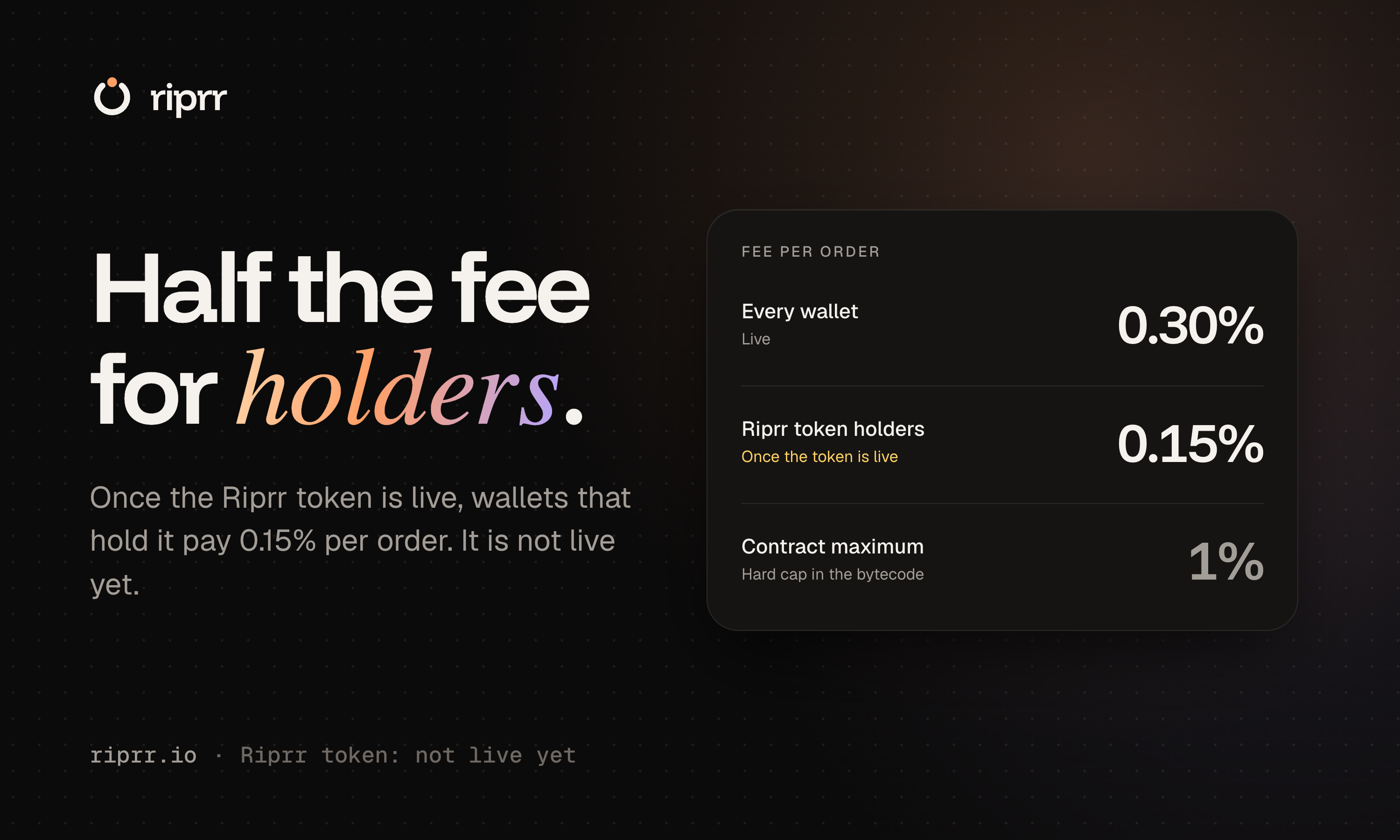
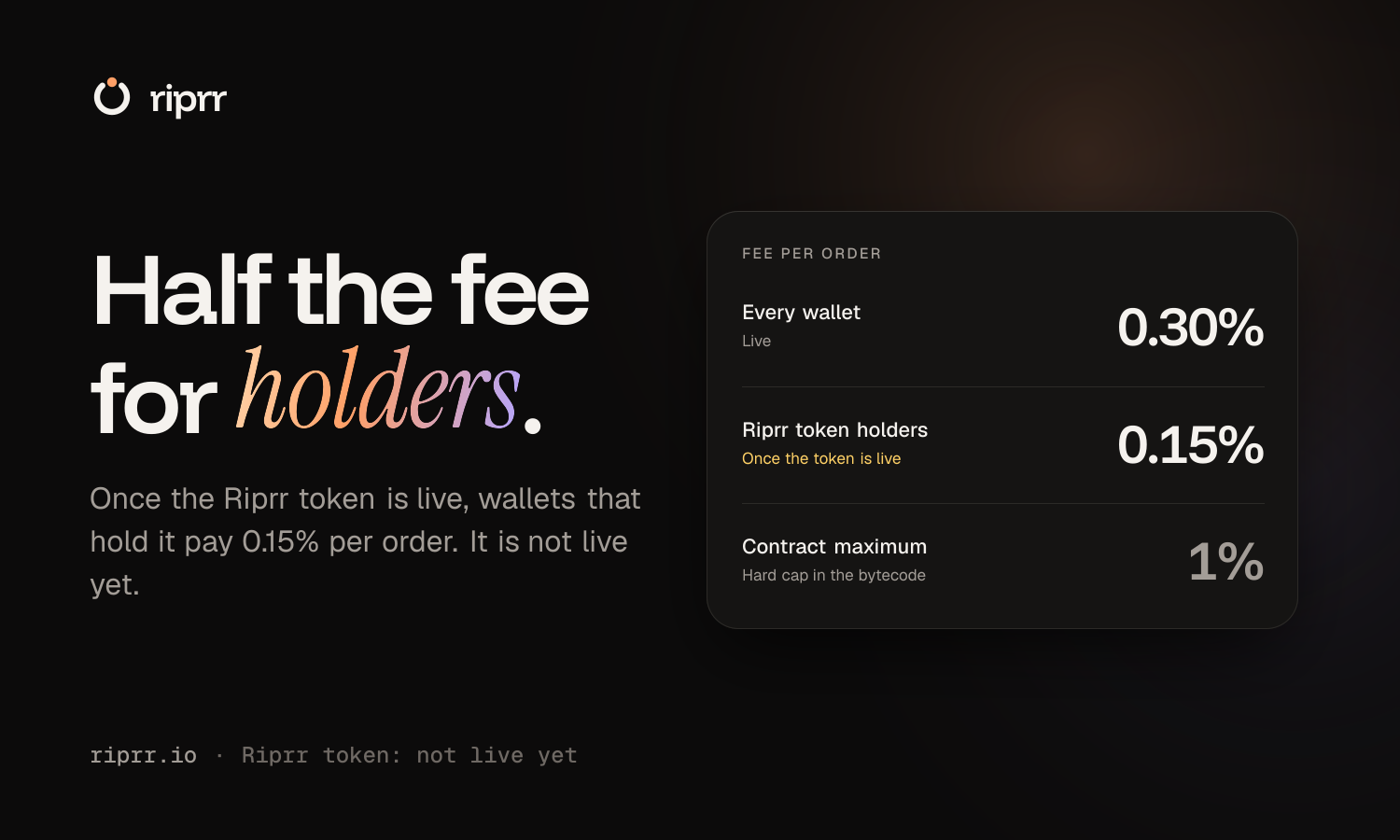
The fee is 0.30% per order today. Once the Riprr token is live, wallets that hold it will pay 0.15%. It is not live yet: no token address, no date. Anything else you see is not us.
Plan of the day
A recurring series: one token, one schedule, one example plan per post, each linking to the create page with the token filled in. Examples, never advice.
Day 13 · plan 1/6
Riprr
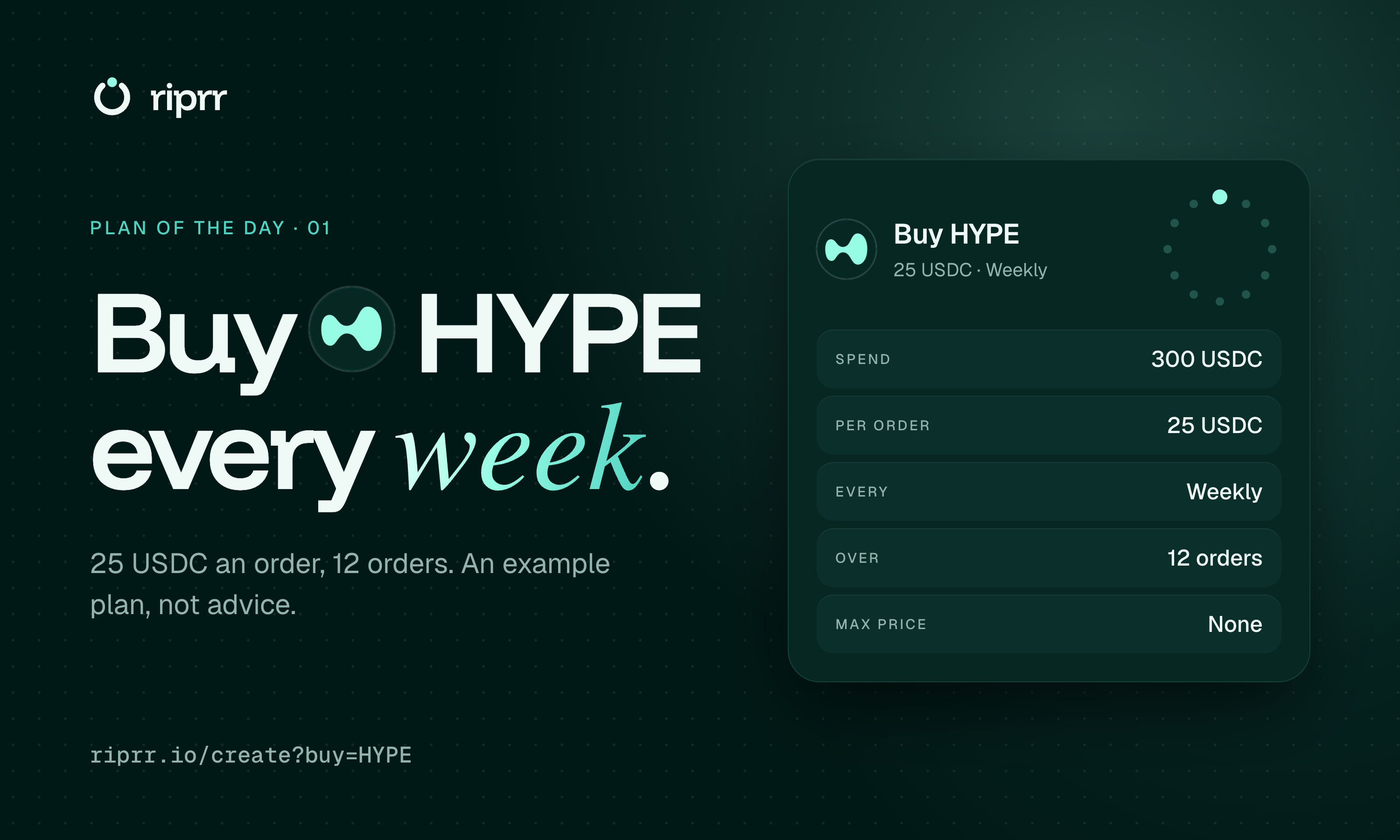
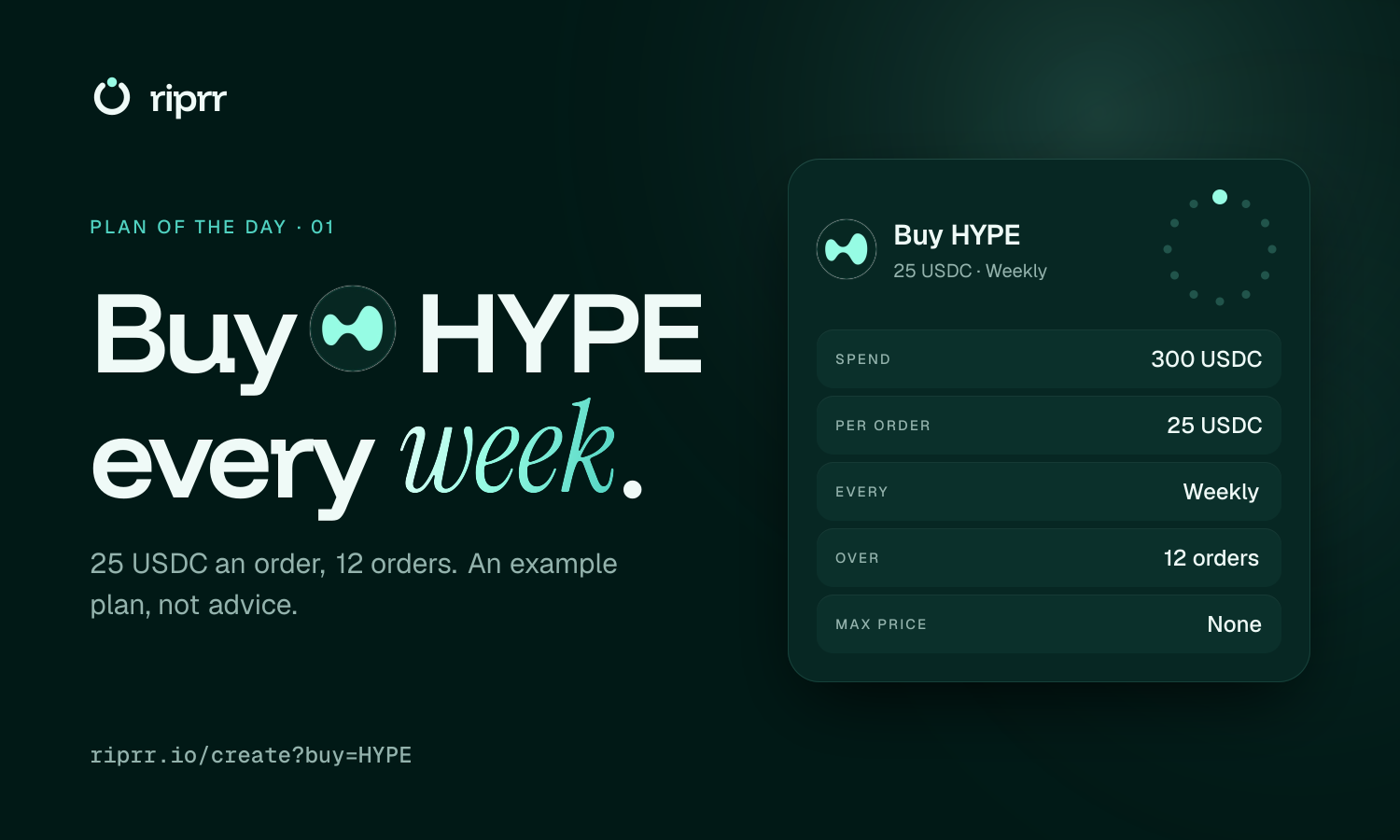
Plan of the day 01: HYPE weekly. 25 USDC an order, 12 orders, 300 USDC in total. HYPE goes to your wallet after each order. An example, not advice. Set it up: riprr.io/create?buy=HYPE
Day 14 · plan 2/6
Riprr
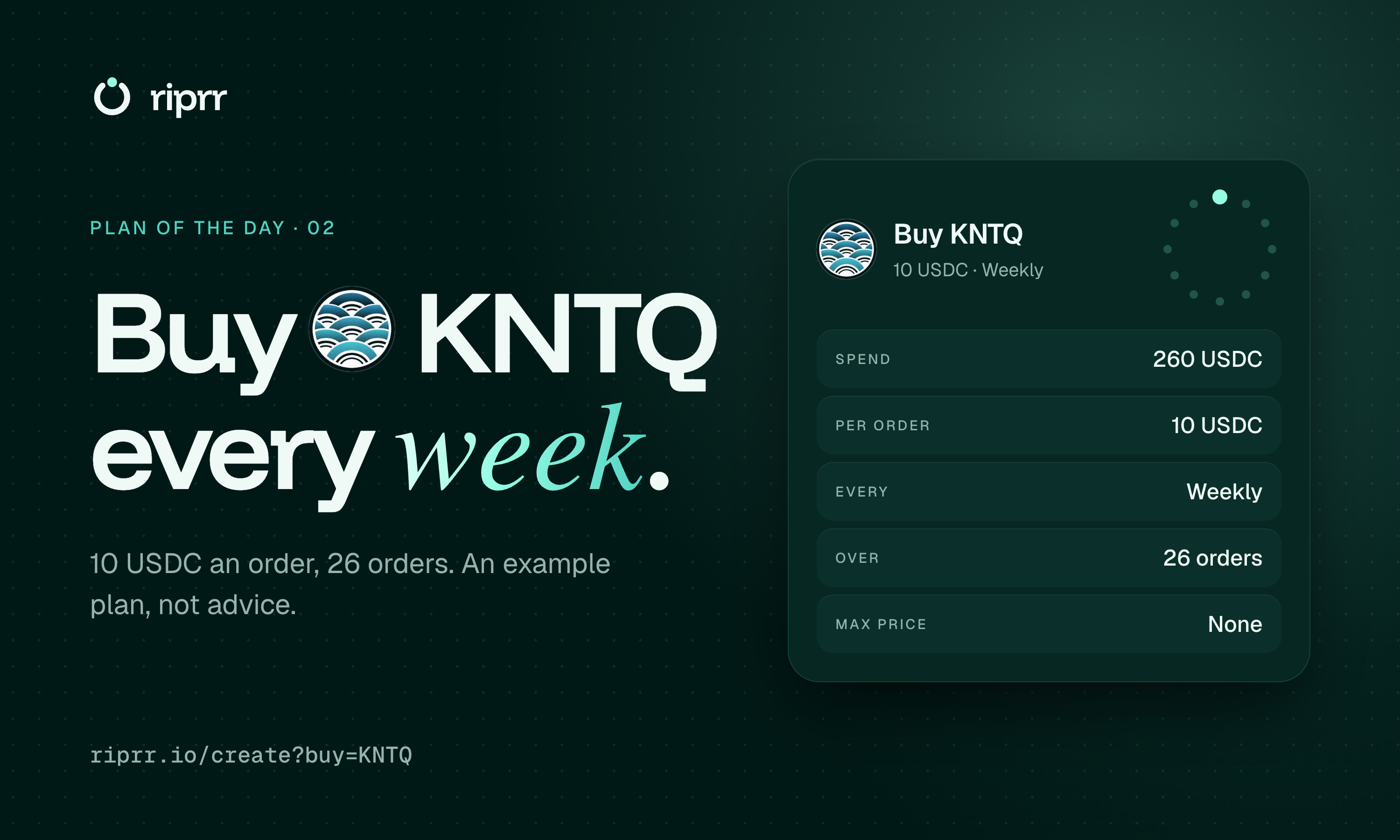
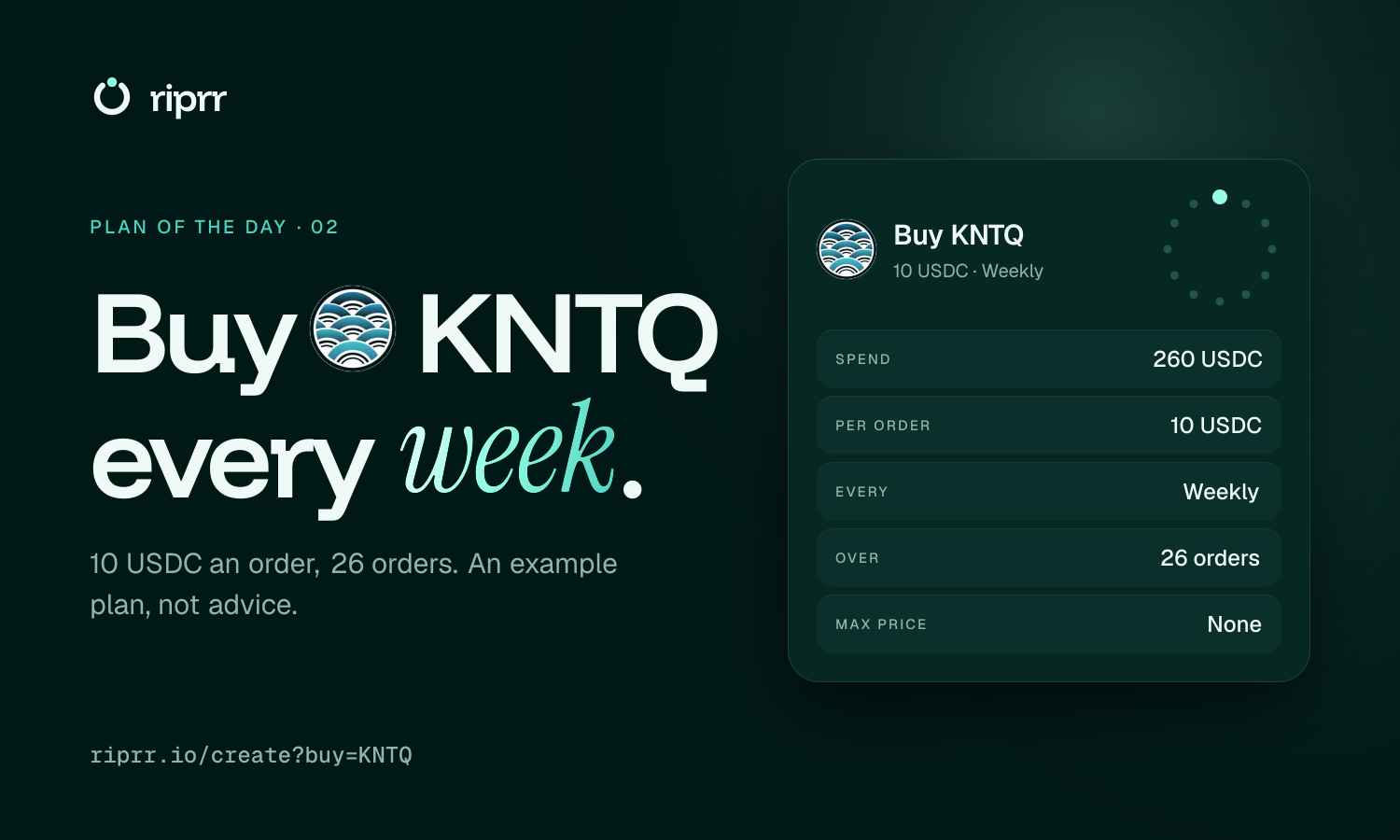
Plan of the day 02: KNTQ weekly. 10 USDC an order, 26 orders, 260 USDC in total. KNTQ goes to your wallet after each order. An example, not advice. Set it up: riprr.io/create?buy=KNTQ
Day 15 · plan 3/6
Riprr
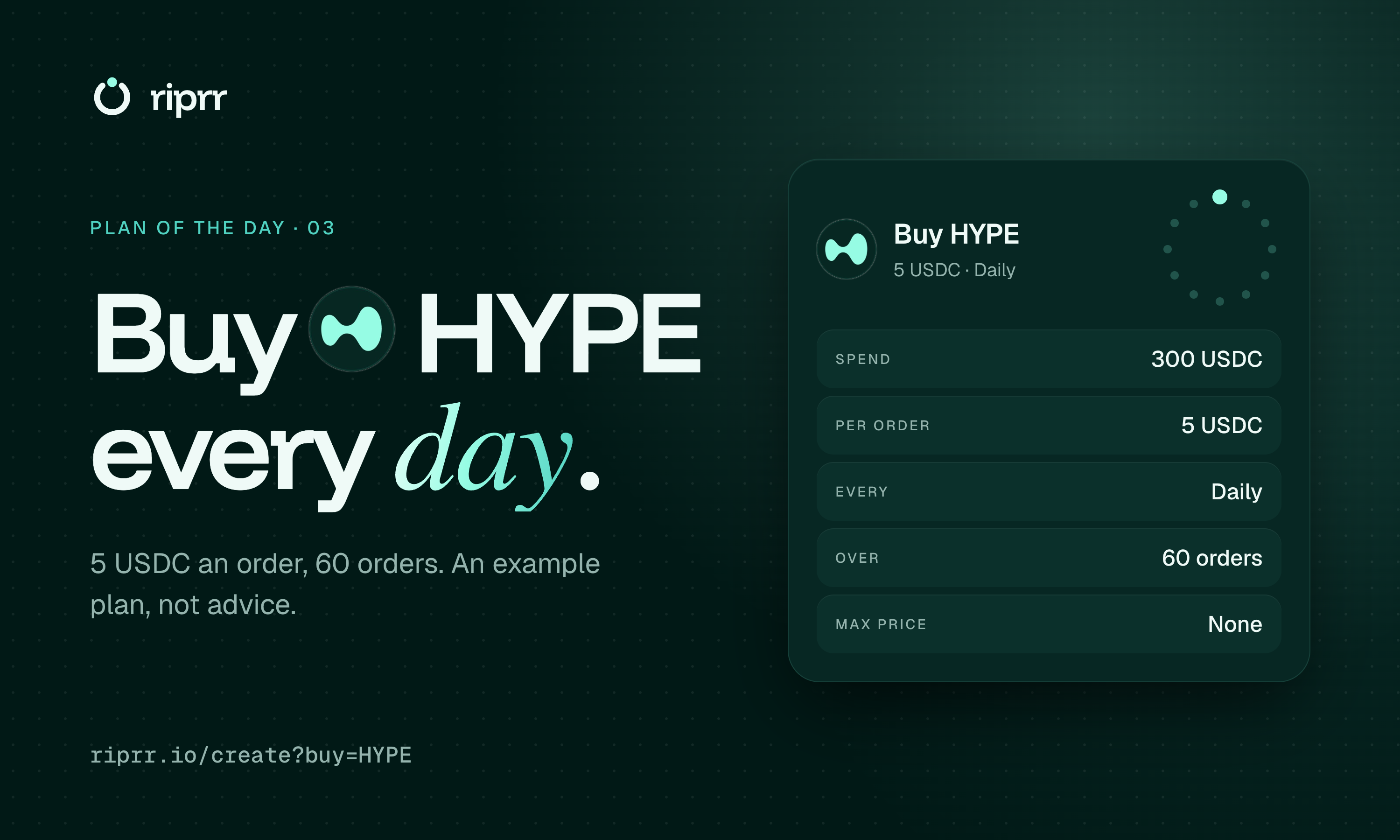
Plan of the day 03: HYPE daily. 5 USDC an order, 60 orders, 300 USDC in total. HYPE goes to your wallet after each order. An example, not advice. Set it up: riprr.io/create?buy=HYPE
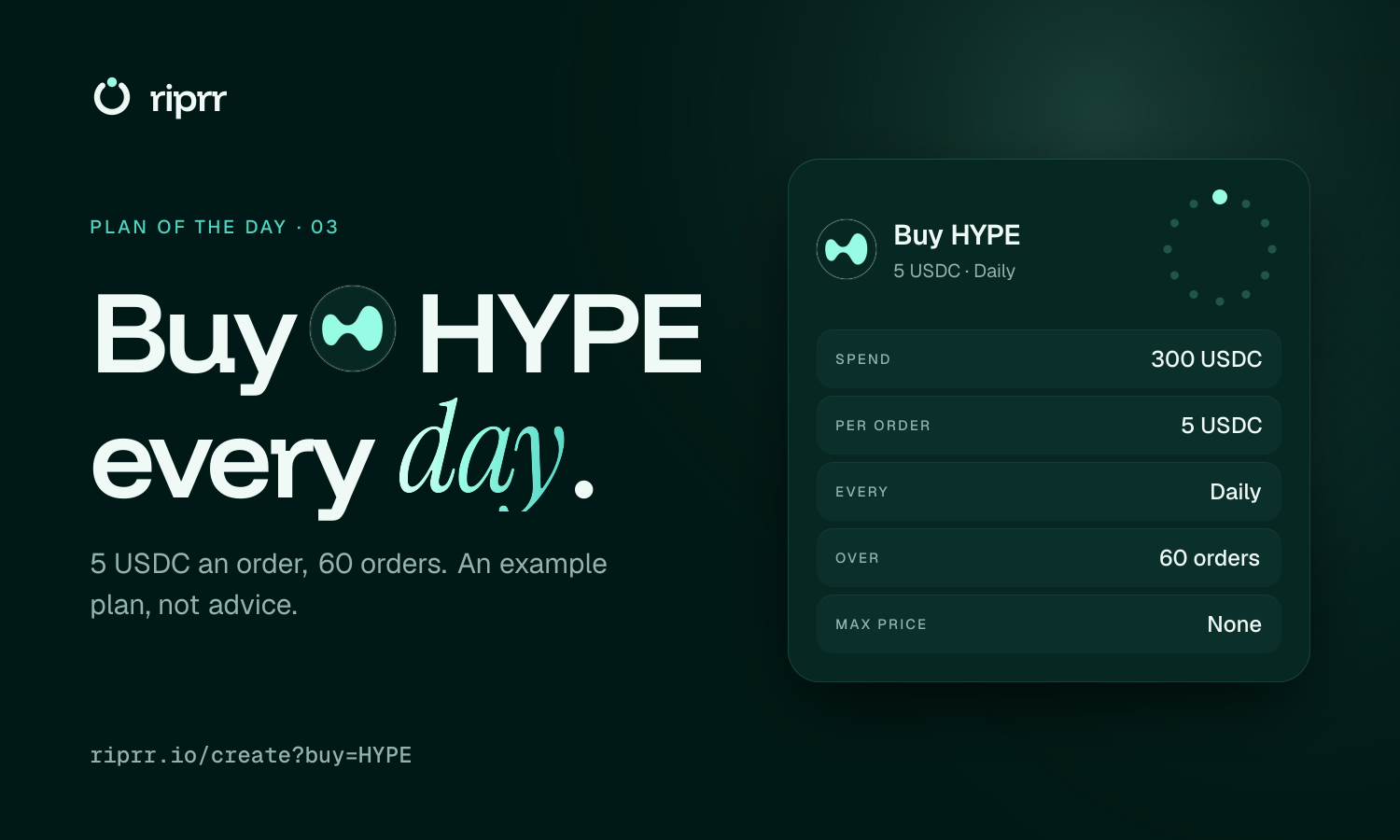
Day 16 · plan 4/6
Riprr
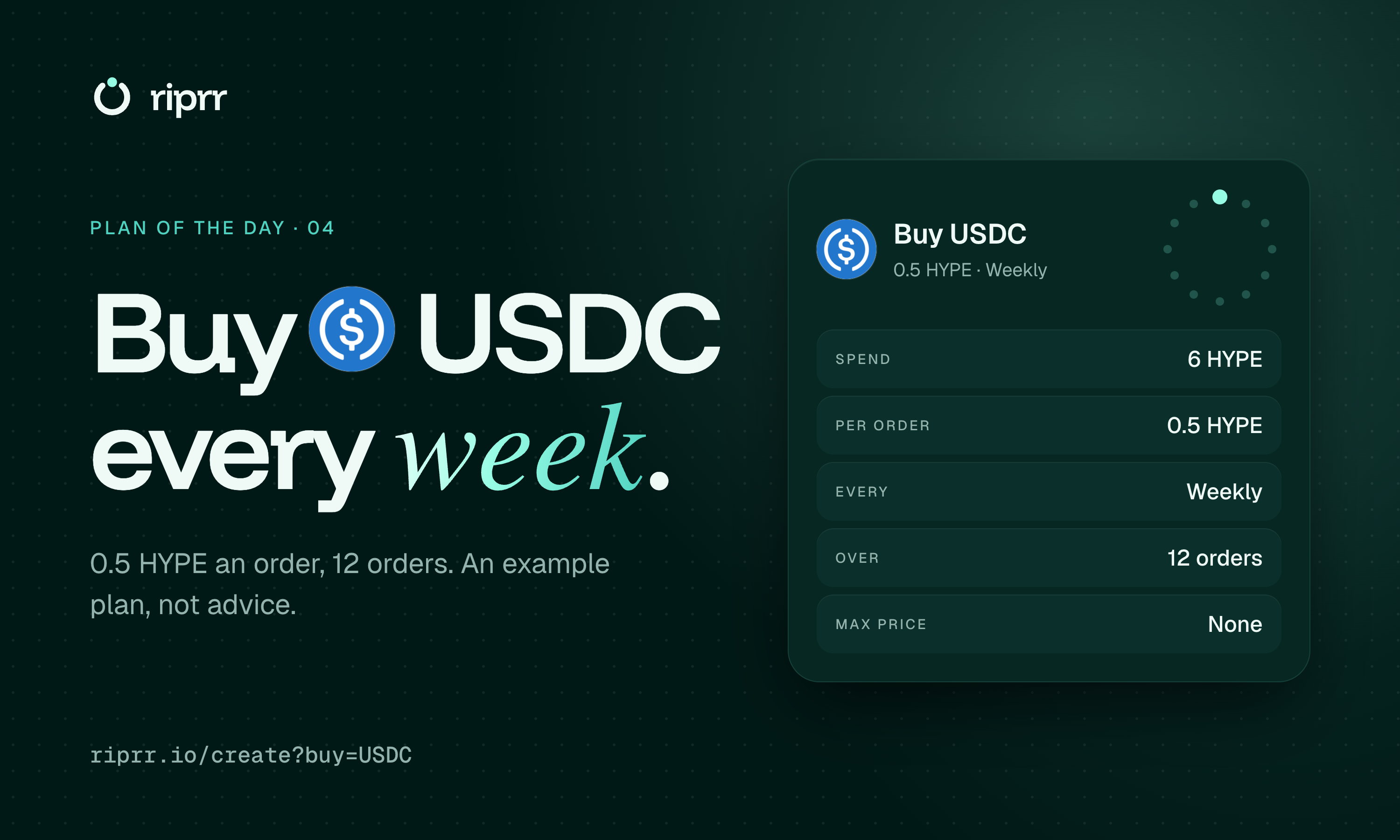
Plan of the day 04: USDC weekly. 0.5 HYPE an order, 12 orders, 6 HYPE in total. Taking HYPE off the table on a schedule works the same way. An example, not advice. Set it up: riprr.io/create?buy=USDC
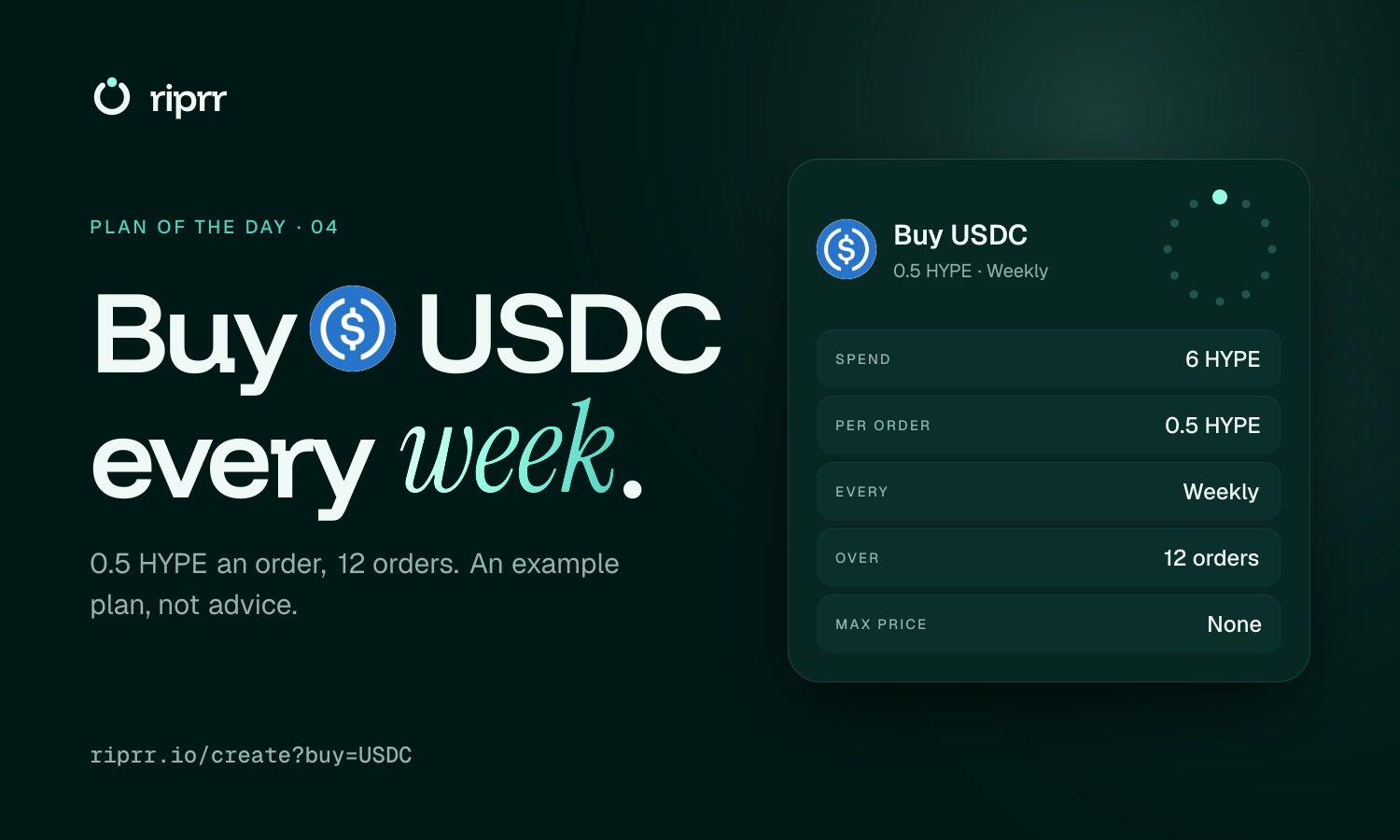
Day 17 · plan 5/6
Riprr
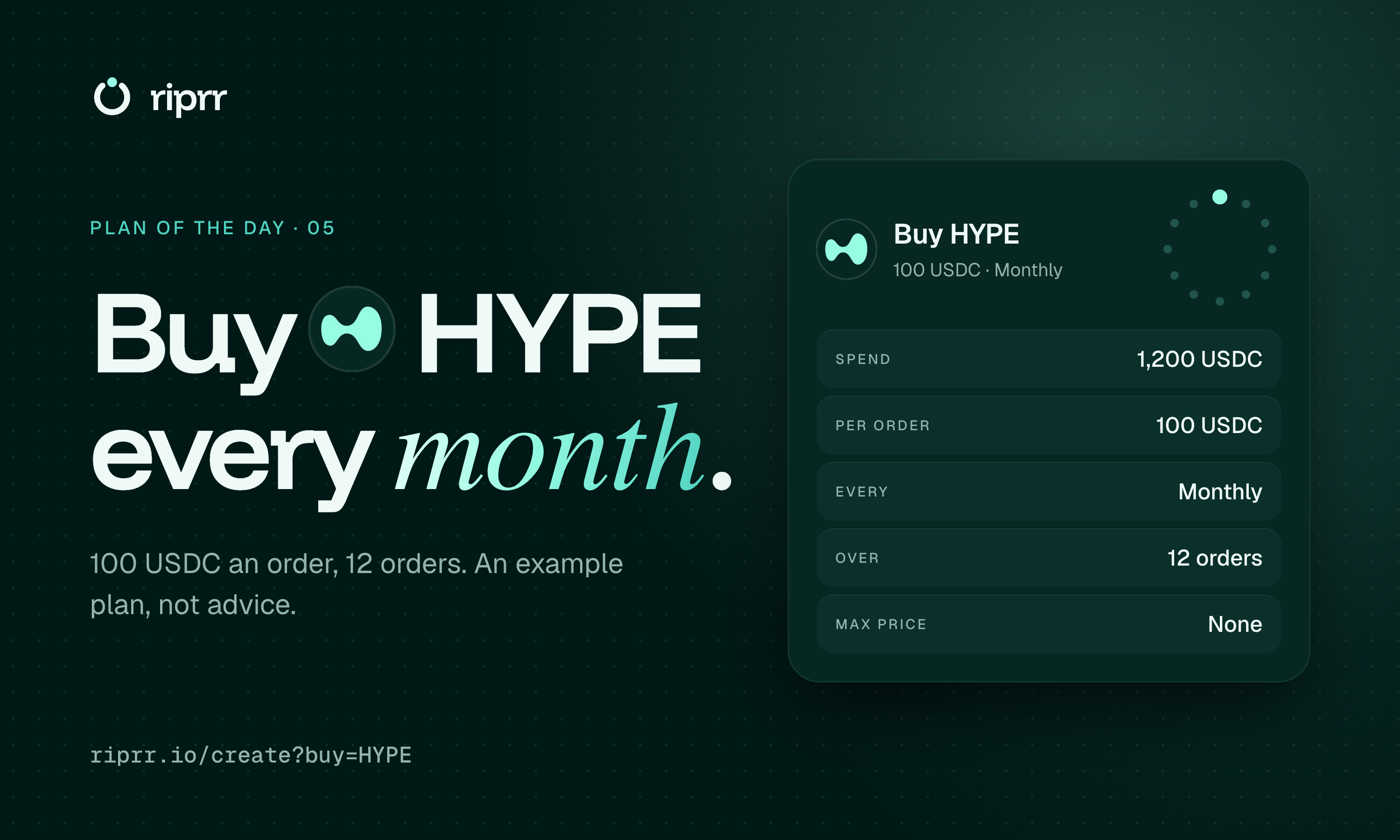
Plan of the day 05: HYPE monthly. 100 USDC an order, 12 orders, 1,200 USDC in total. HYPE goes to your wallet after each order. An example, not advice. Set it up: riprr.io/create?buy=HYPE
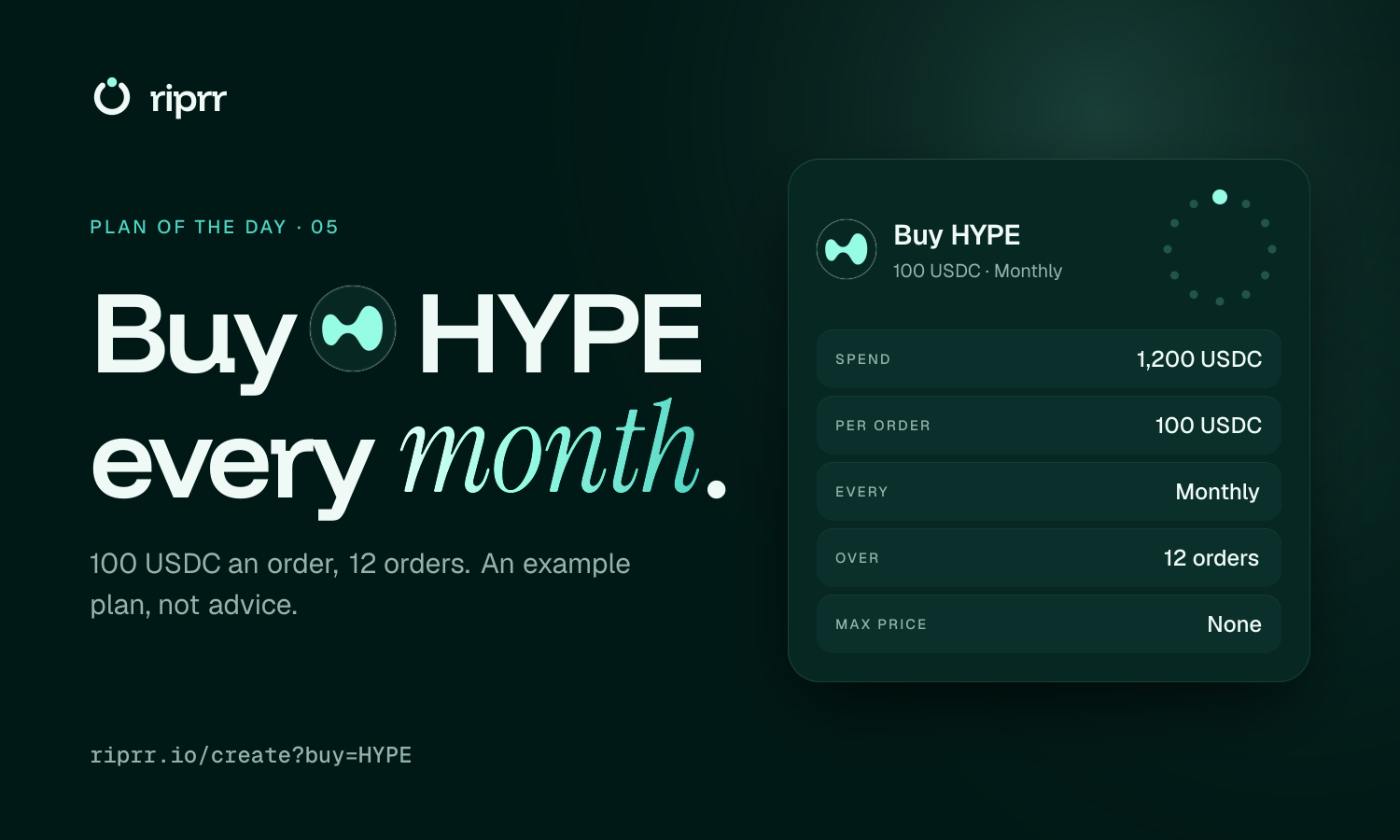
Day 18 · plan 6/6
Riprr
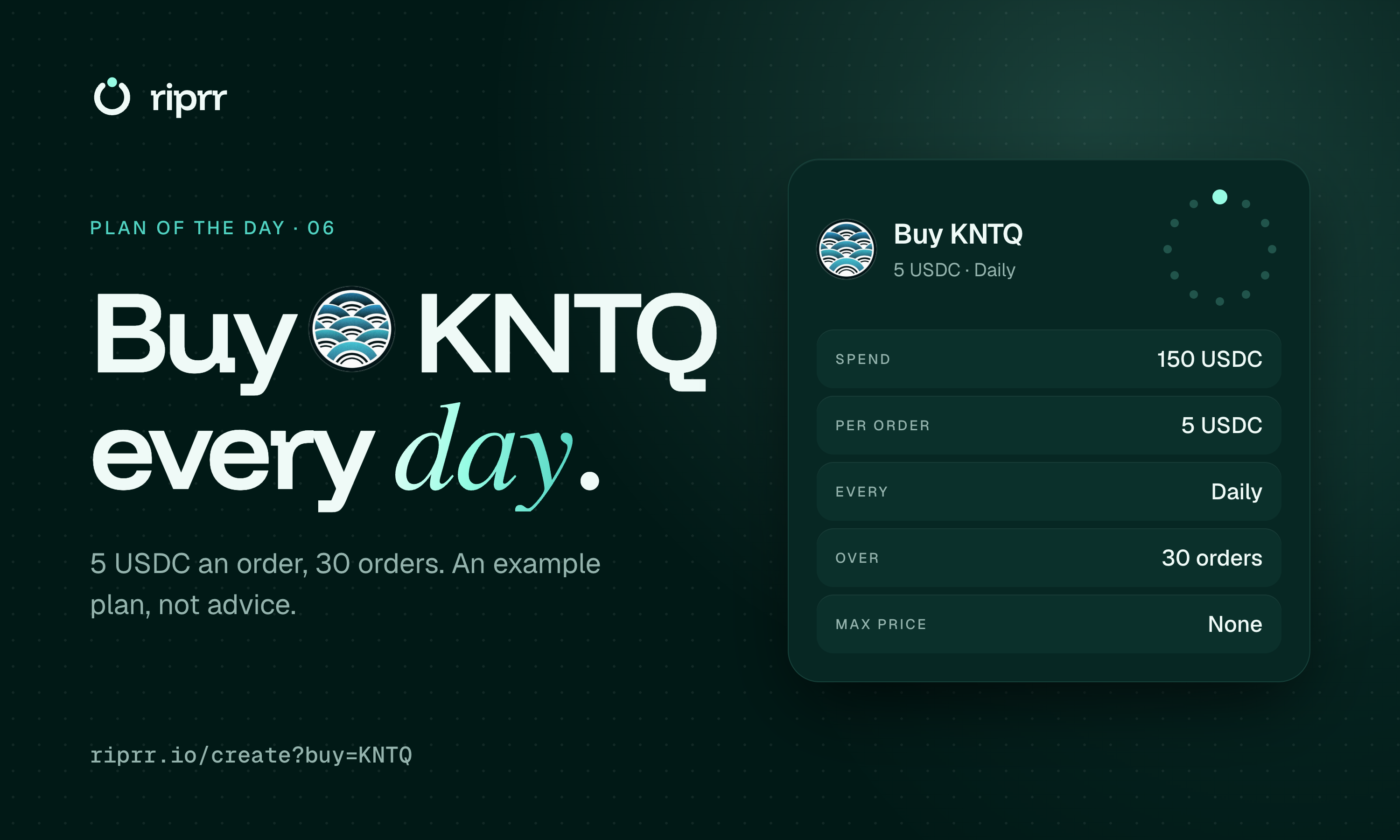
Plan of the day 06: KNTQ daily. 5 USDC an order, 30 orders, 150 USDC in total. KNTQ goes to your wallet after each order. An example, not advice. Set it up: riprr.io/create?buy=KNTQ
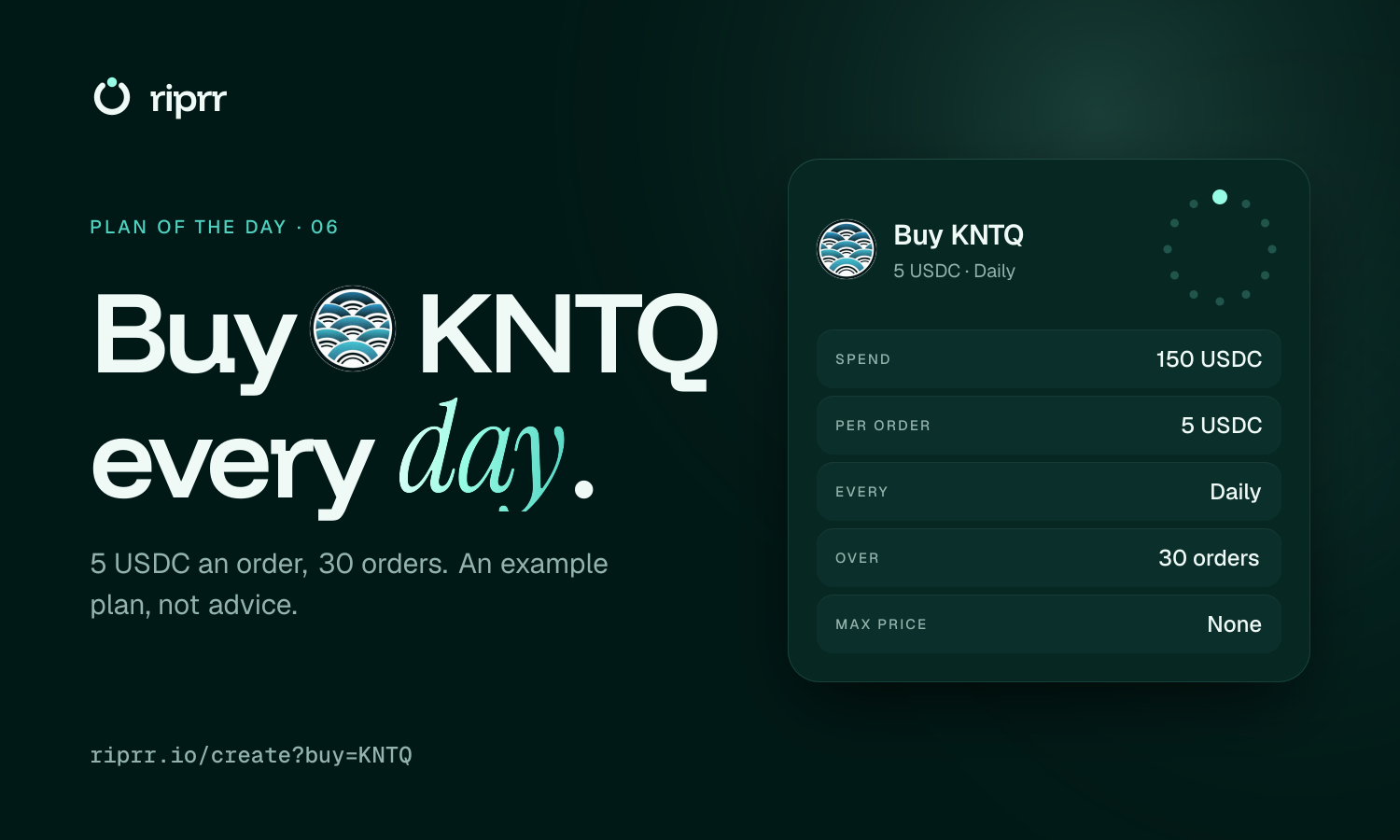
All media
PNG at 1x for X (it recompresses 2x), 2x for everything else. MP4 is H.264, ready for X.
01 card-intro
MP4 · 1500×900 · 587 KB
02 card-how
MP4 · 1500×900 · 531 KB
03 card-tokens
MP4 · 1500×900 · 1.3 MB
04 card-maxprice
MP4 · 1500×900 · 611 KB
05 card-withdraw
MP4 · 1500×900 · 791 KB
06 card-thread-end
MP4 · 1500×900 · 459 KB
07 x-launch
PNG · 1500×900 · 279 KB
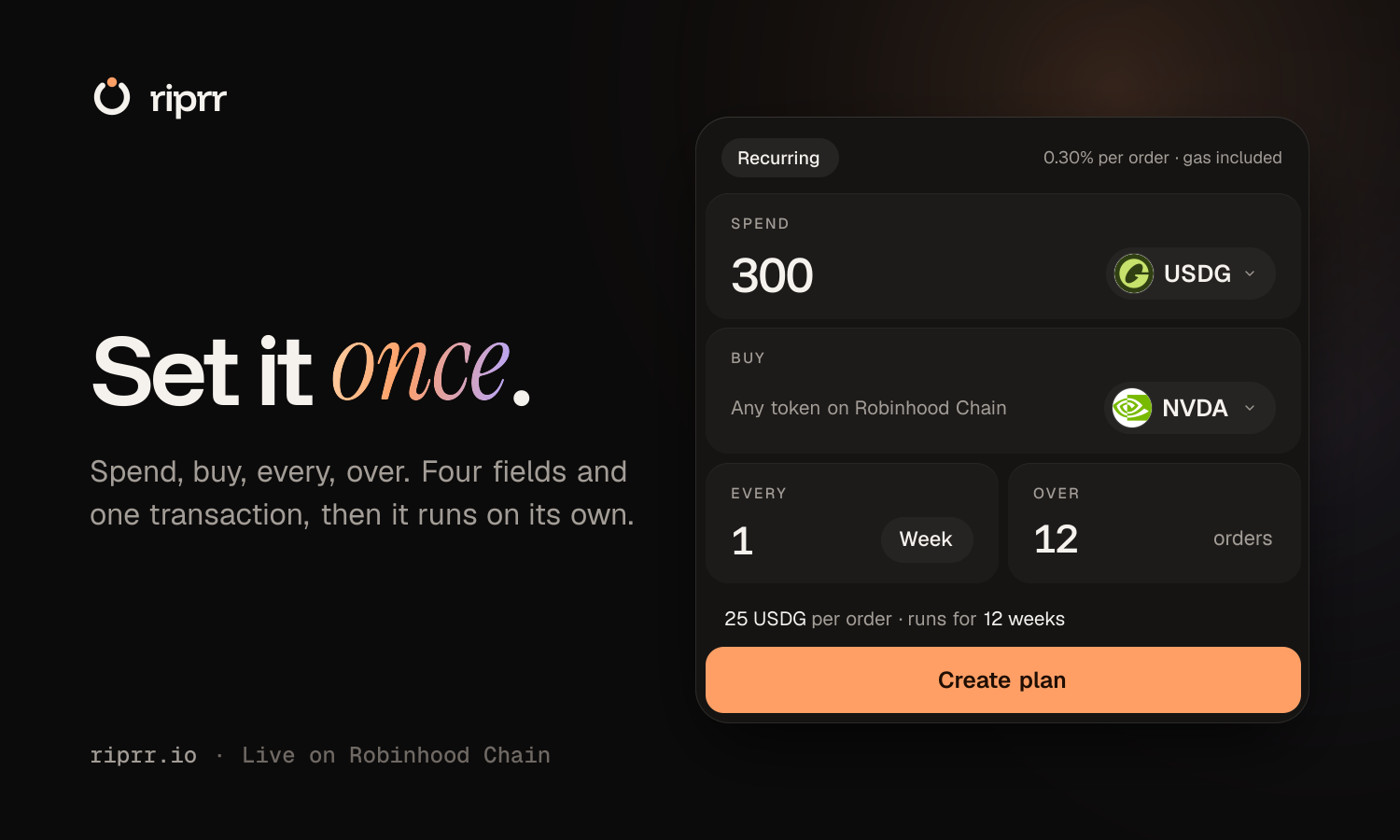
08 x-plan
PNG · 1500×900 · 138 KB
09 x-schedule
PNG · 1500×900 · 151 KB
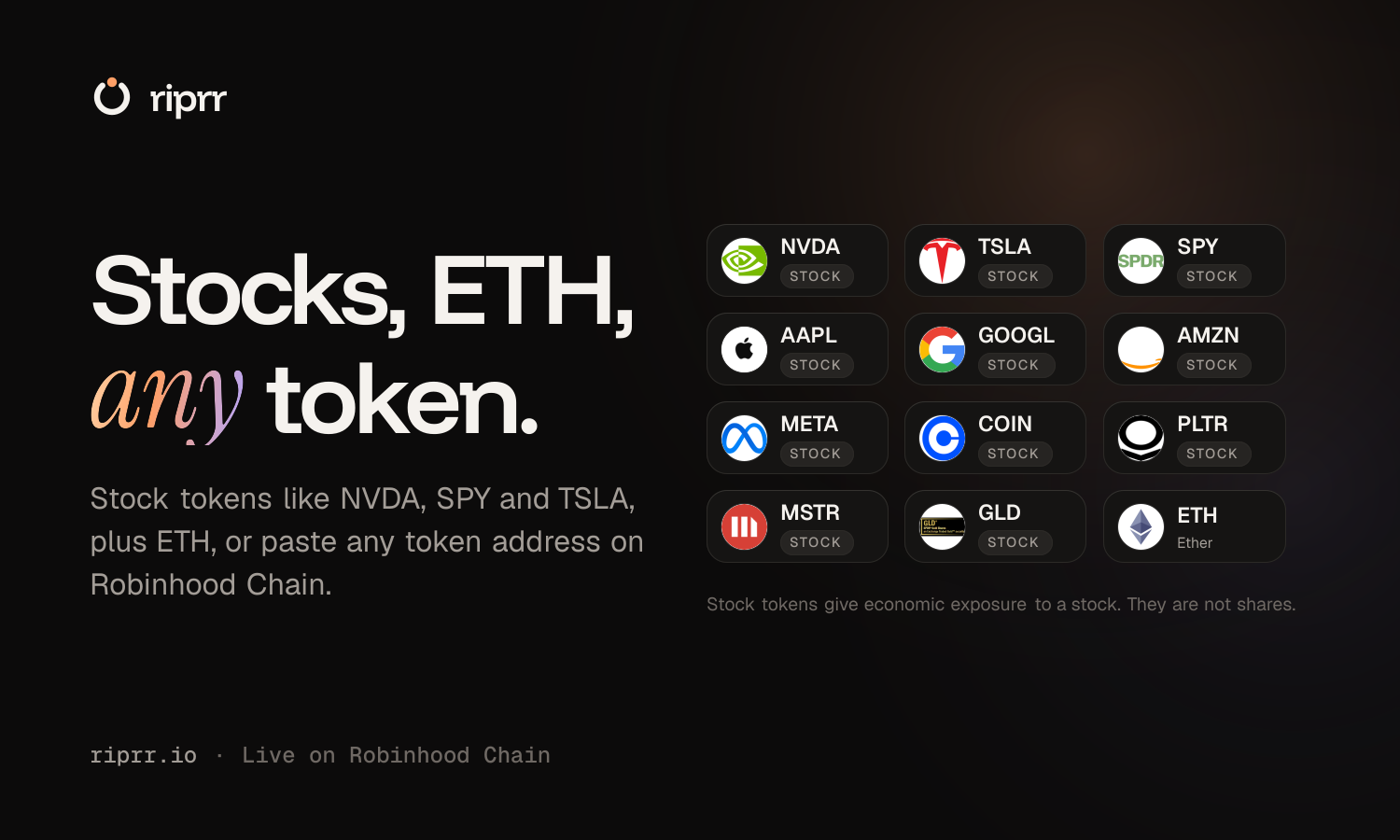
10 x-tokens
PNG · 1500×900 · 162 KB
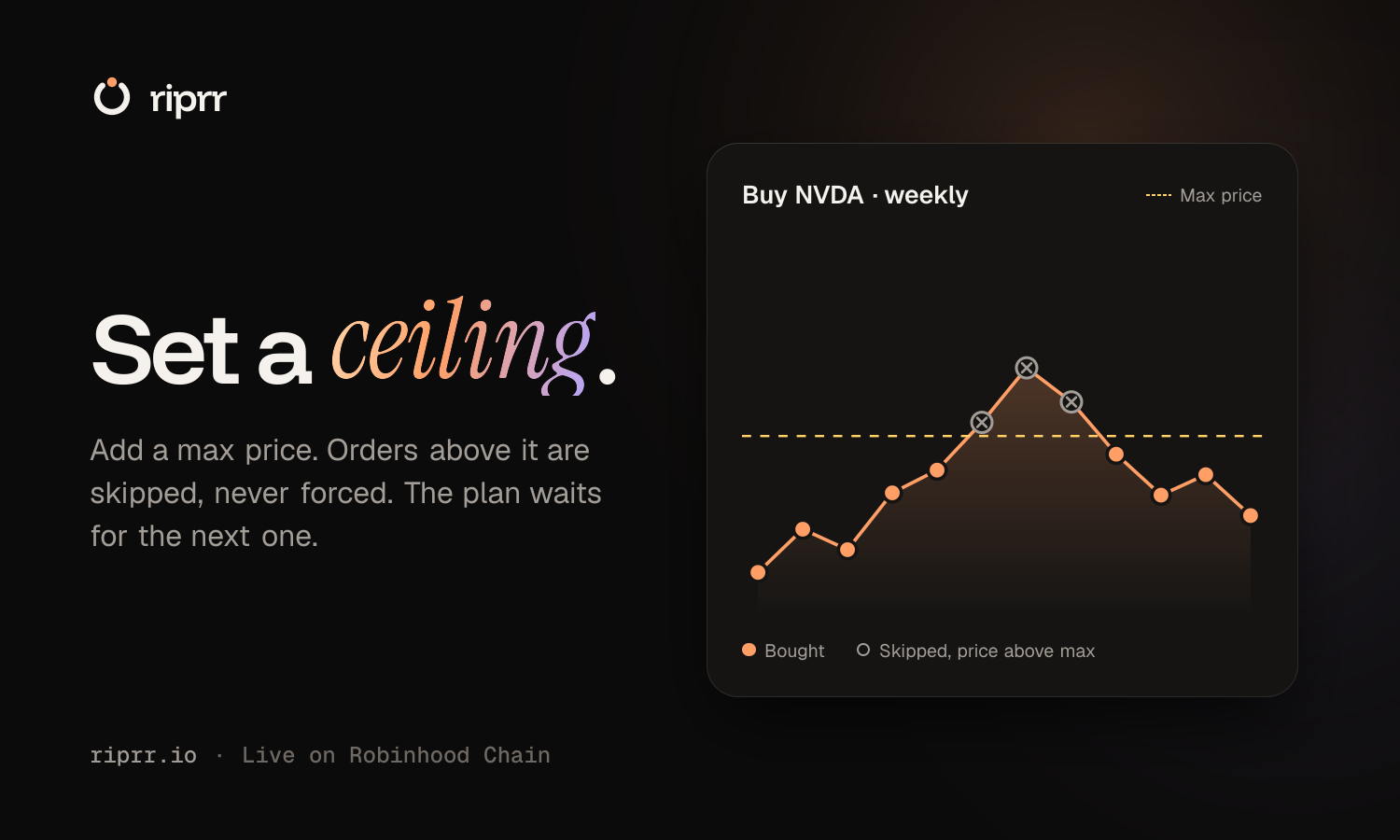
11 x-max-price
PNG · 1500×900 · 137 KB
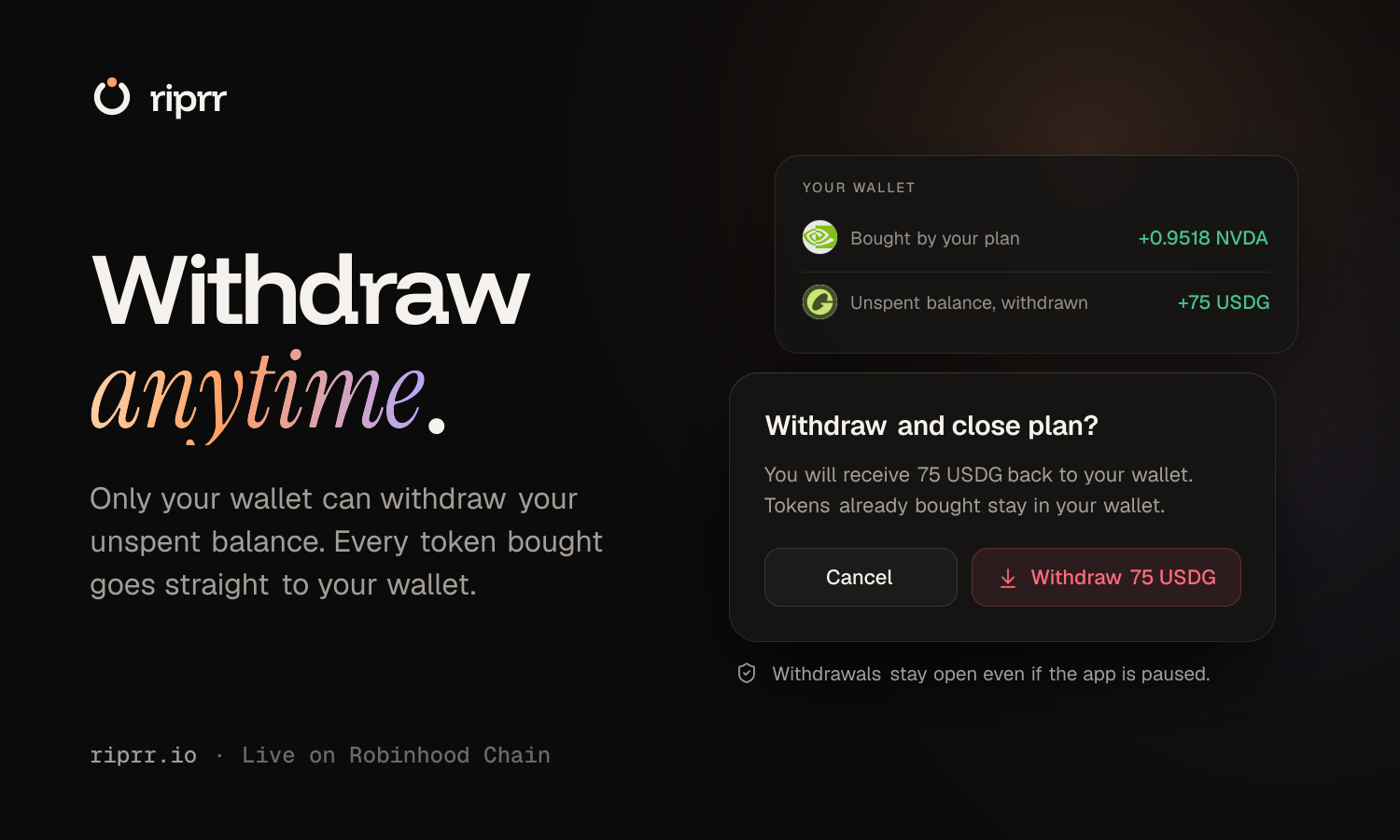
12 x-withdraw
PNG · 1500×900 · 177 KB
13 x-fees
PNG · 1500×900 · 151 KB
14 x-audit
PNG · 1500×900 · 186 KB
15 x-last-post
PNG · 1500×900 · 143 KB
16 x-what
PNG · 1500×900 · 157 KB
17 x-guard
PNG · 1500×900 · 153 KB
18 x-no-backlog
PNG · 1500×900 · 136 KB
19 x-dashboard
PNG · 1500×900 · 159 KB
20 x-holders
PNG · 1500×900 · 146 KB
21 x-plan-hype-weekly
PNG · 1500×900 · 154 KB
22 x-plan-kntq-weekly
PNG · 1500×900 · 178 KB
23 x-plan-hype-daily
PNG · 1500×900 · 151 KB
24 x-plan-usdc-weekly
PNG · 1500×900 · 154 KB
25 x-plan-hype-monthly
PNG · 1500×900 · 157 KB
26 x-plan-kntq-daily
PNG · 1500×900 · 174 KB